


The brainstorm is done, the references are on the board, and now someone has to turn them into a campaign. This is often where a creative team starts looking beyond its whiteboard. Having everything in one place was useful for the discussion; the next stage brings a different set of demands.
You might need to work on the images and layouts, put together a brief for a photographer, or sketch a few ideas without setting up a whole team workspace. Those are good reasons to explore what else is available, even if Miro still has a place in your process.
We've narrowed this list to five Miro alternatives for creative work: Quickmake, Milanote, FigJam, Mural, and Excalidraw. Each has a different reason to be here. The comparison below should help you find the one that fits the work you have in front of you.
Which alternative fits your reason for switching?
| Alternative | Consider it when | Check before moving |
|---|---|---|
| Quickmake | You want to create and compose visuals beside the brief | Your required export formats and AI allowances |
| Milanote | The main task is collecting and explaining references | How much material fits your plan |
| FigJam | Planning leads into work in Figma | FigJam versus Design seat access |
| Mural | You need another workspace for facilitated sessions | Member, guest, and visitor permissions |
| Excalidraw | Most boards are quick sketches and diagrams | Saving and organizing ongoing team work |
1. Quickmake — when the board needs to become a design

For creative work, the awkward handoff often comes after the brainstorm. You have the brief and references, but the images, copy, and layouts still need to be made.
Quickmake brings planning and visual creation into one workspace. Use Think mode to arrange the material, then Design mode to compose layouts with frames, layers, text, and vectors. The AI agent can help create images, video, and copy as you develop the project. See Quickmake's whiteboard and creative agent.
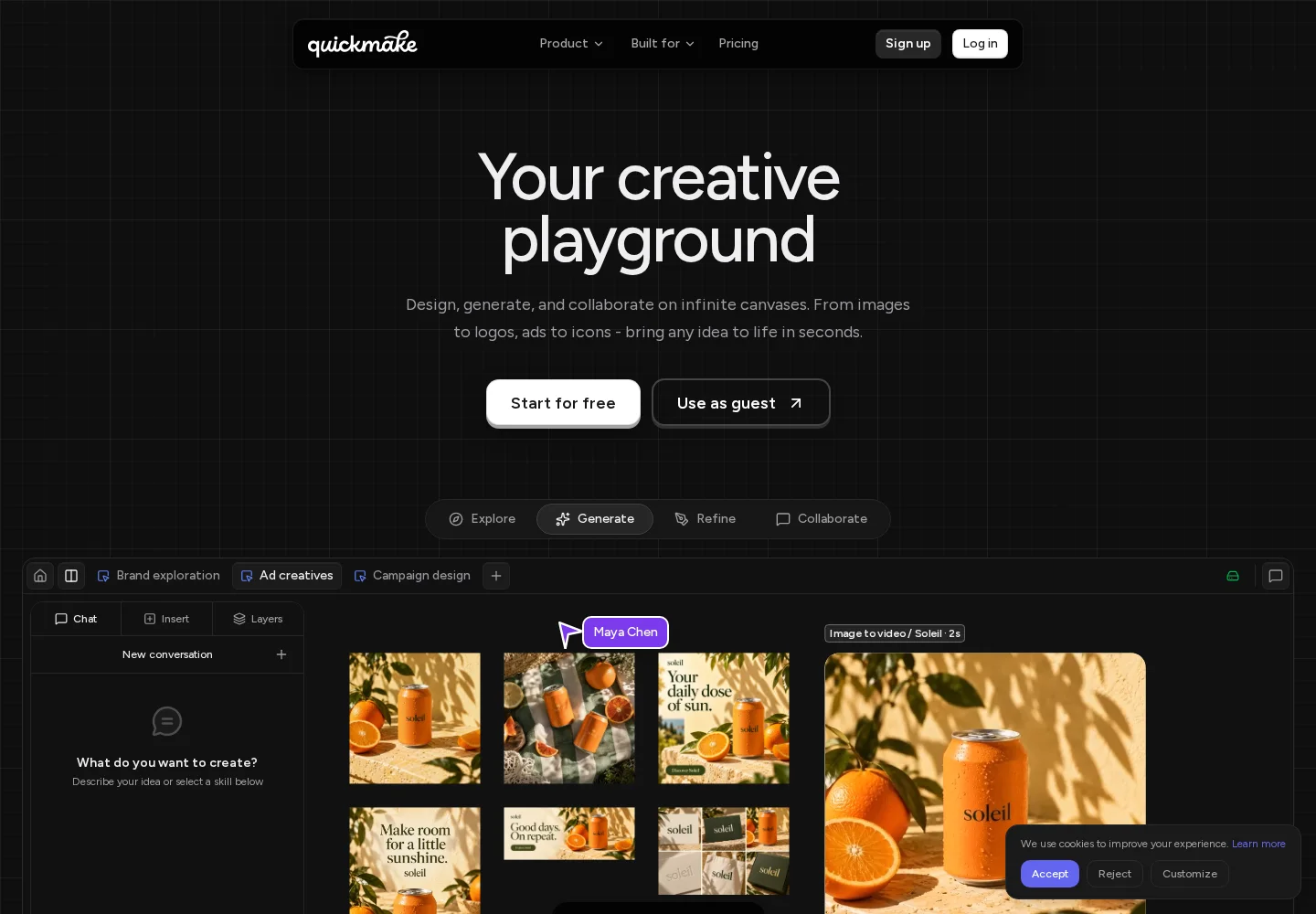
The Quickmake landing page, captured September 22, 2026.
If your planning starts with a process, editable Quickmake diagram templates provide flowcharts, org charts, and roadmaps you can adapt on the canvas.
What makes it relevant: A social campaign can keep its brief, image directions, and finished frames together. You can compare a layout with the reference that inspired it while continuing to edit.
What to check: If your Miro setup depends on a specific integration or facilitation feature, verify that requirement separately. Our recommendation here is about creating visuals; it is not a promise of feature-for-feature replacement.
Pricing: Quickmake's plans list account features and AI credits. Open the workspace to explore the canvas.
2. Milanote — when the creative brief is the work

Choose Milanote for a closer look if your Miro boards mostly contain references, written direction, and project notes. Its focus on organizing creative projects suits briefs that need to explain a look or a story to another person. For more options for collecting and presenting references, see our dedicated moodboard tool comparison. The product overview shows notes, imagery, and tasks sharing a board.
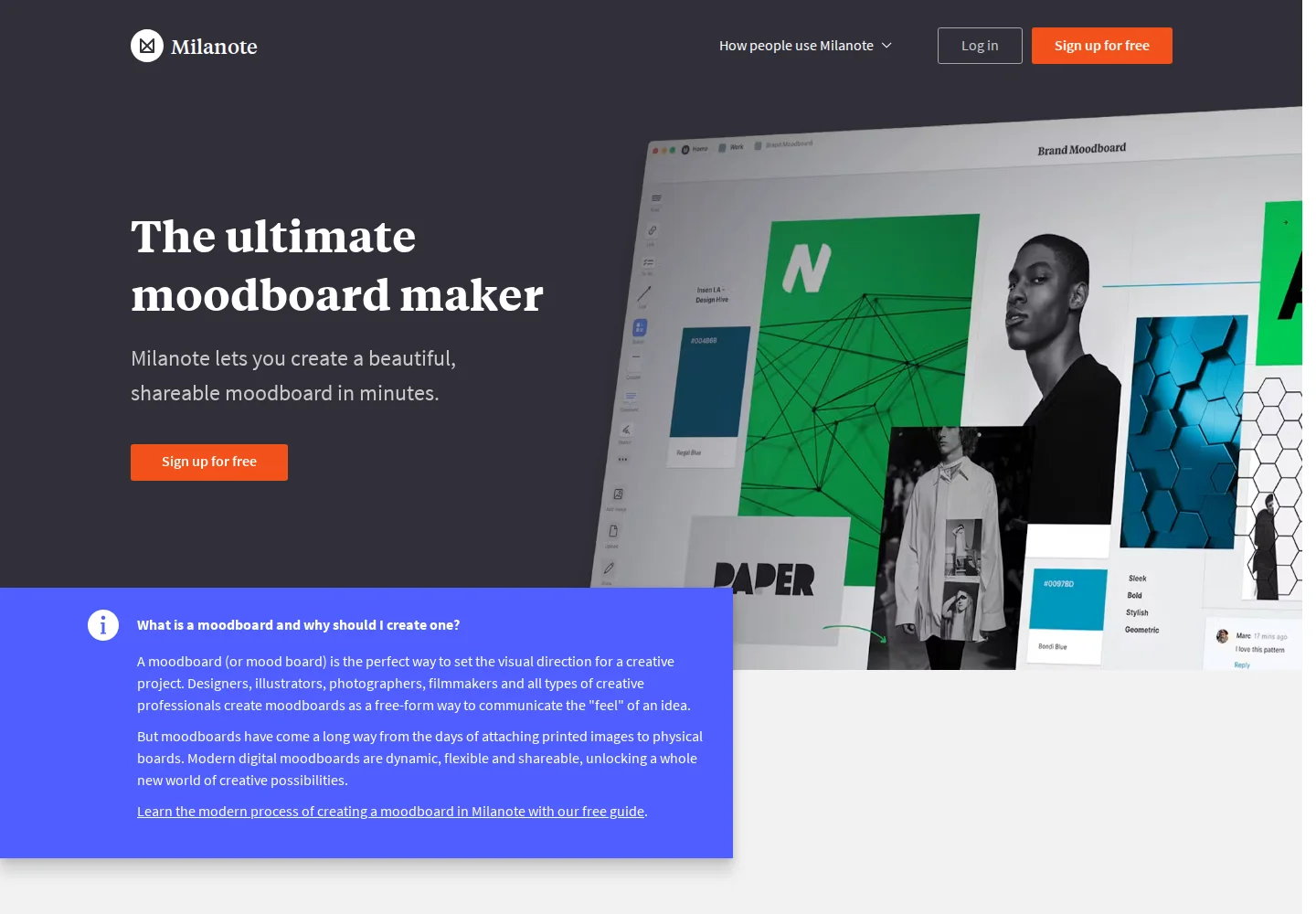
Milanote's moodboarding landing page, captured September 22, 2026.
The buying question is whether you need a place to collect and communicate creative material, or a broader team planning system. Try rebuilding one representative brief before bringing over a whole archive.
Pricing: Milanote has free and paid plans. Pay attention to item and file allowances; unlimited shared boards does not mean unlimited content on the free plan. Compare plans.
3. FigJam — when the next stop is Figma

A product team that already works in Figma should give FigJam a look before adding another workspace. It supports shared brainstorming, flow diagrams, and workshop activities in the same broader ecosystem. FigJam overview.
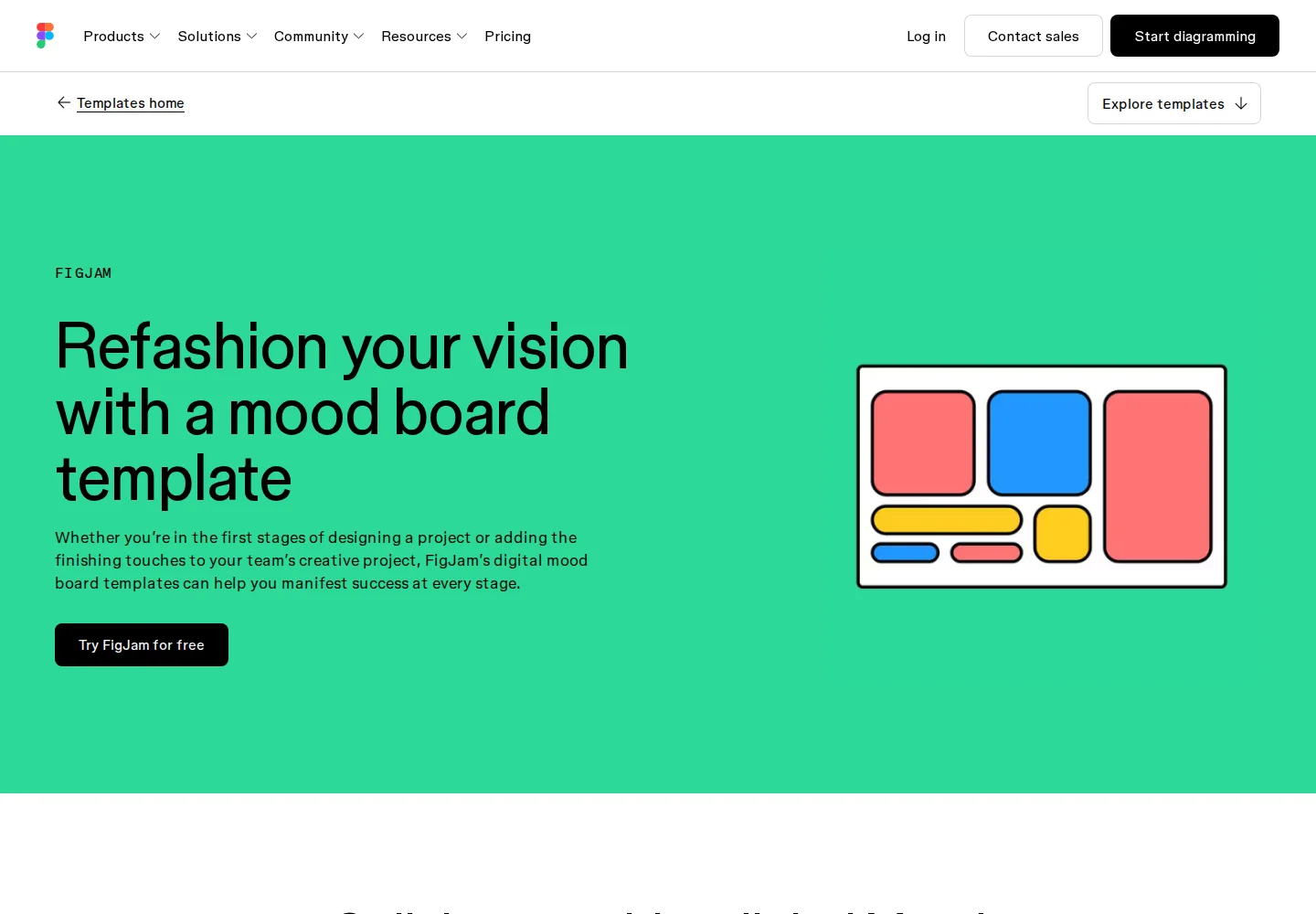
The practical advantage: Your planning tool can be familiar to the people who will turn the discussion into interface designs.
The purchase detail to check: A Collab seat and a Full seat provide different editing access. Do not budget for a design team using only the cost of whiteboarding access. Figma explains the distinction on its pricing page.
4. Mural — when workshops are the reason you need a board

Mural belongs on the shortlist for teams whose work revolves around group sessions. Its visual workspace supports collecting contributions and working through ideas together. That makes it a candidate for a workshop tool comparison, rather than a substitute for a design editor. Mural overview.
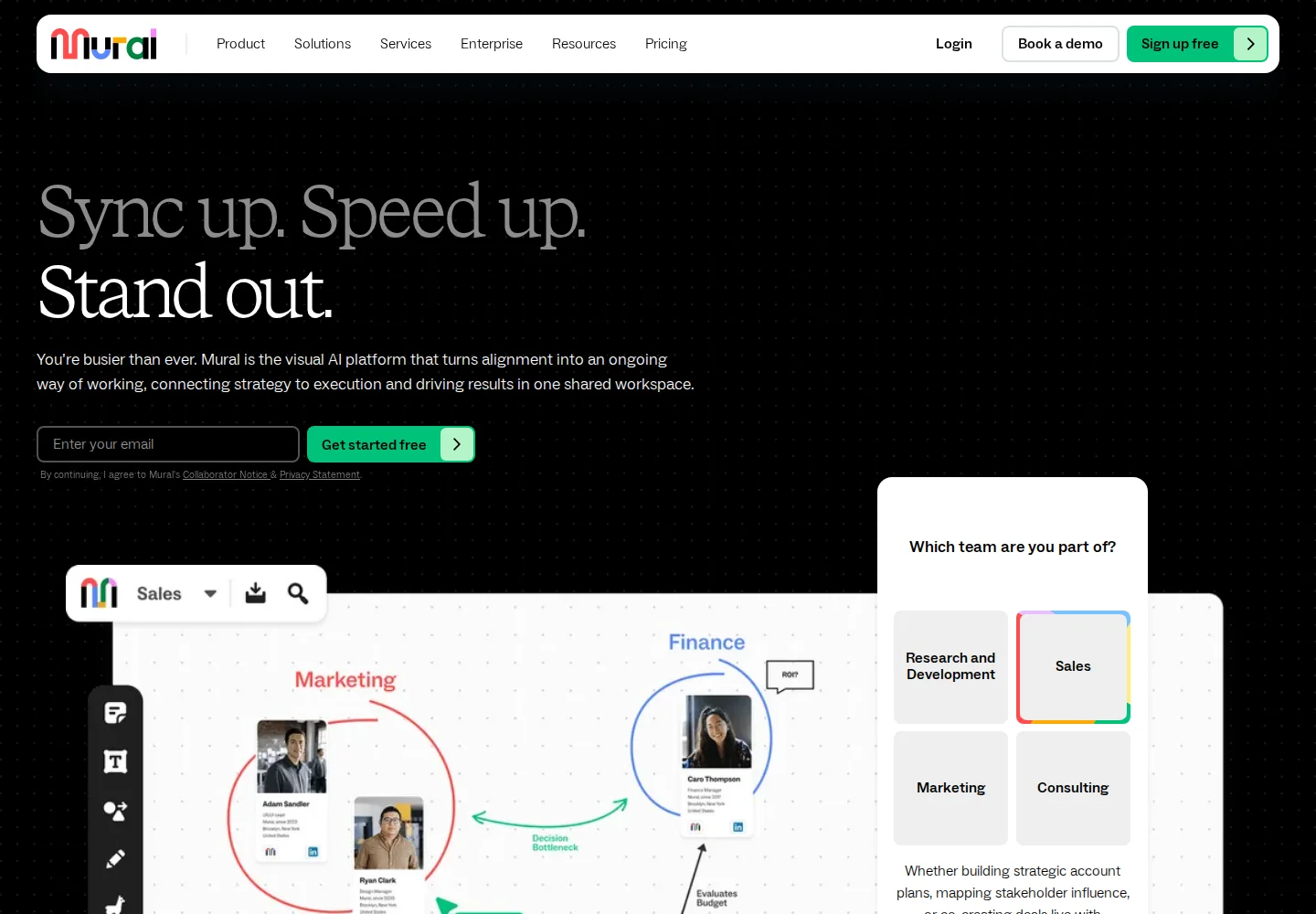
The Mural landing page, captured September 22, 2026.
For a useful trial, invite someone in the role they would actually have: an internal member, a client, or an occasional visitor. Confirm that they can contribute without an unexpected permission change.
Pricing: Free allows three editable murals at a time. Team+ starts at $9.99/member/month with annual billing. See the permissions and plan comparison.
5. Excalidraw — when you mostly need a drawing

If most of your boards explain a process with boxes and arrows, start with Excalidraw. Its hand-drawn style suits rough diagrams and wireframes. The free editor supports images, labeled arrows, and PNG and SVG export; its hosted app also supports real-time collaboration. Official editor documentation.
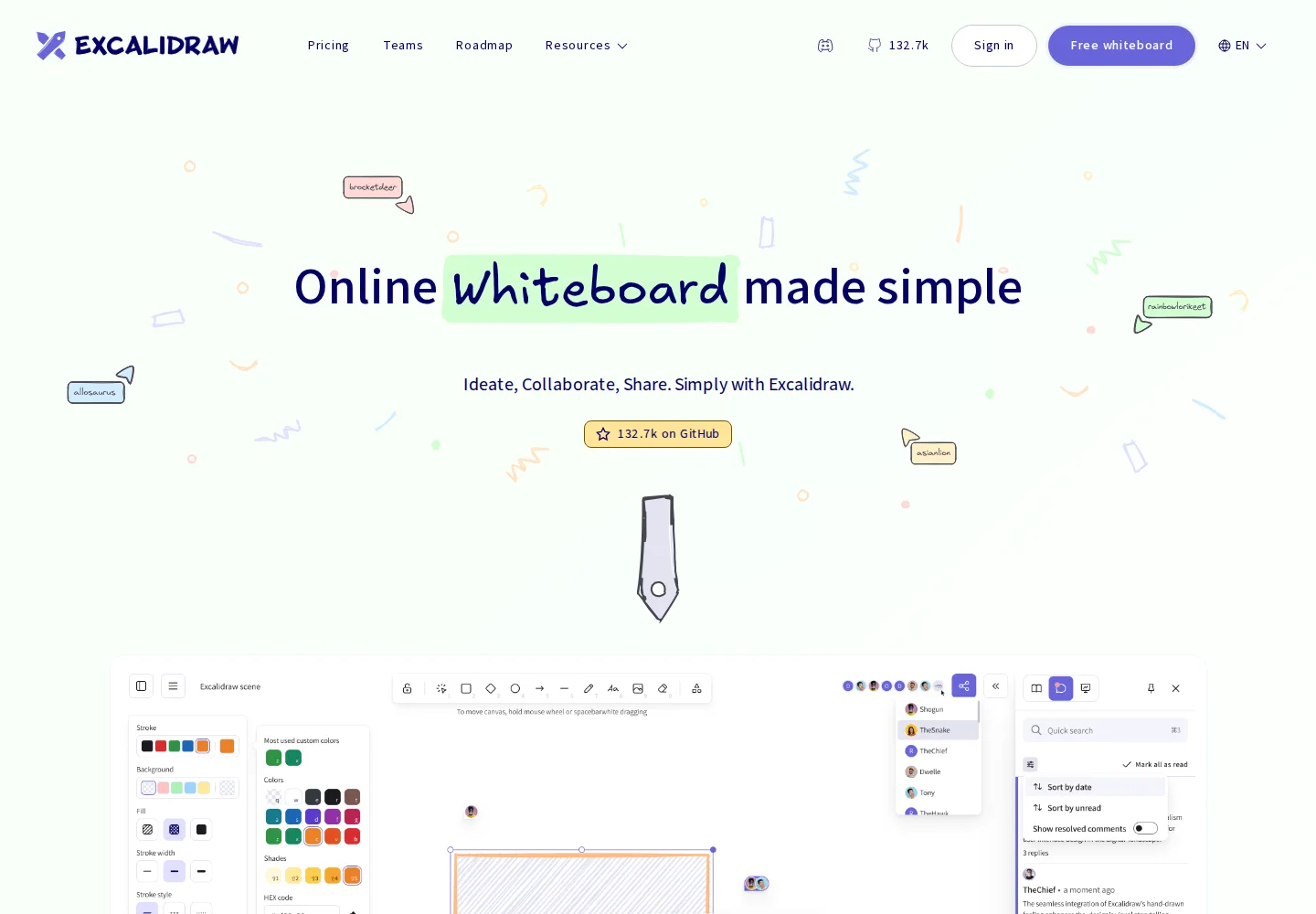
The Excalidraw marketing page, which presents both the free editor and Plus, captured September 22, 2026.
The limit of the comparison: A diagramming tool may replace many individual boards without replacing your team's project organization. Check how you want to save, find, and share ongoing work.
Pricing: The core editor is free. Excalidraw+ is the separate paid option.
When staying with Miro makes sense
If a team already uses Miro for planning, integrations, and shared processes, replacing it creates work of its own. Compare that effort with the actual problem you are trying to solve. Miro also documents AI generation and workflows, so “we need AI” is not a sufficient reason by itself to switch. See Miro's current capabilities.
You may only need a second tool for the production stage. Keep workshop decisions where the team already works and use a creative editor for the assets that follow.
Frequently asked questions
What is the best Miro alternative for creative teams?
Our recommendation is Quickmake when the goal is to turn a brief into visuals and layouts. Milanote is worth considering for reference-heavy briefs, FigJam for Figma teams, Mural for facilitated group work, and Excalidraw for quick diagrams. Choose around the task you want to improve.
Is there a free alternative to Miro?
Excalidraw offers a free core editor. Milanote, FigJam, and Mural also have free plans, though their allowances and access rules differ. Miro itself has a free plan, so compare the specific limit you have encountered rather than assuming a different free plan removes it.
Can I move my existing Miro boards to another tool?
Do not assume an export recreates an editable board. An image or PDF preserves the appearance, but comments, links, and individual objects may need separate handling. Check the destination's documented import support and test one representative board before committing to a migration.
Should I choose FigJam or Mural instead of Miro?
Consider FigJam if planning already leads into Figma work. Consider Mural if structured sessions and participant access are the main requirements. Run the same small activity in your shortlisted tools, including the people who will need to join, before deciding.
Can Quickmake replace Miro and a design editor?
Quickmake combines a planning canvas with tools for composing visual work. That can cover both stages of a creative project, but whether it replaces your current tools depends on the integrations, collaboration controls, and editing features you use. Start with a real deliverable and check those requirements.
About this guide: We make Quickmake, which is included in this list. Recommendations are based on official product information reviewed on September 22, 2026, rather than hands-on testing of every tool. Screenshot captions link to the pages shown.