
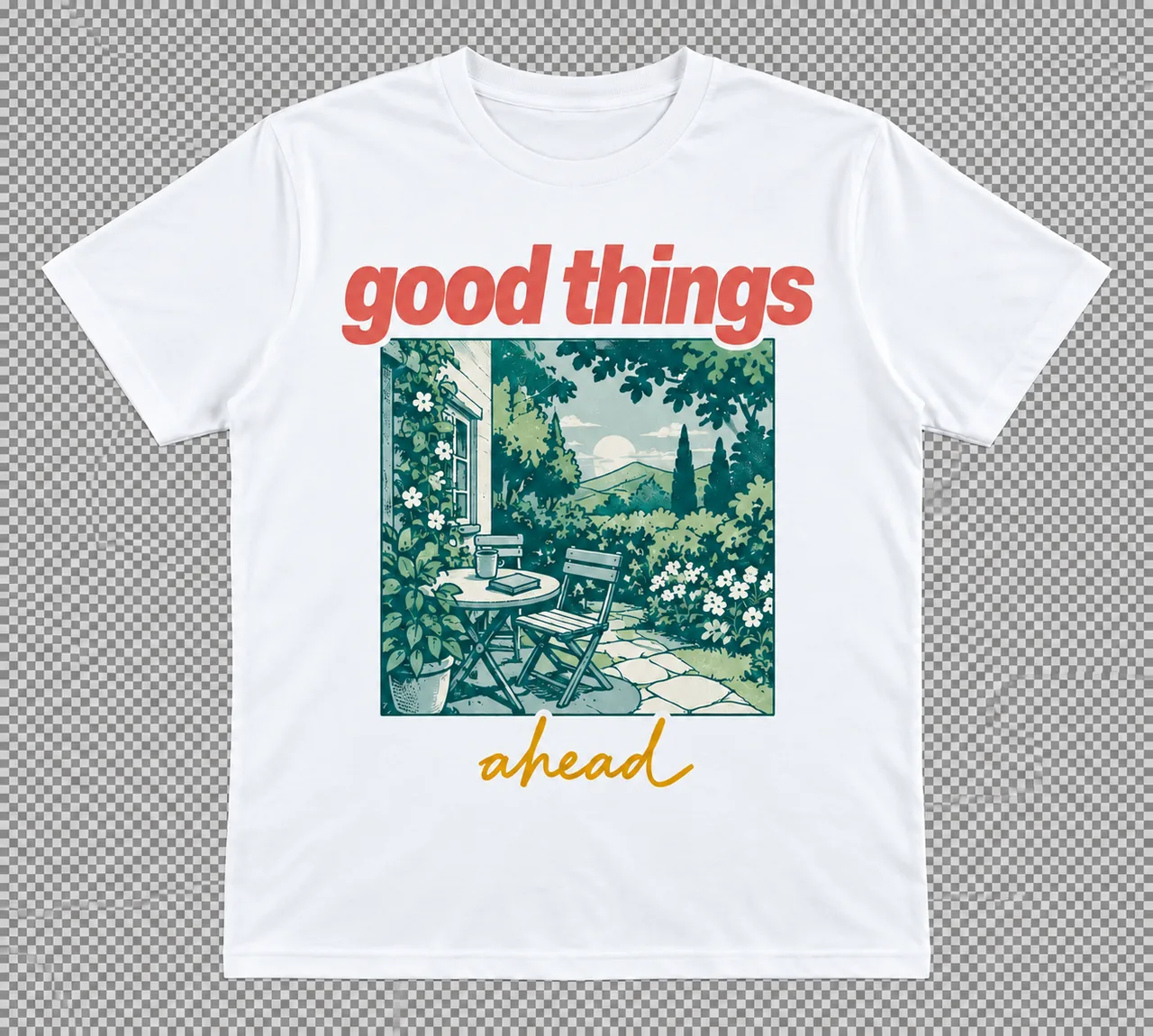
Frames
Give every design its own space. Set custom dimensions and work on multiple formats side by side.

Fine-tune layers, fonts, and vectors in one place. Create precise designs for digital and print.
Posters, presentations, social posts, and everything in between. Pick a format and make it your own.
Flexible layouts, editable layers, and the controls to get every detail right.
Give every design its own space. Set custom dimensions and work on multiple formats side by side.
Set padding, spacing, and alignment once. Let your layout adapt as you add, edit, or rearrange content.
Keep complex designs organized. Select individual layers, group related elements, and control what sits in front.
Find the right font, then make it fit. Adjust weight, size, line height, and letter spacing.
Make shapes your own. Edit paths, fills, and strokes to create and refine logos, icons, and illustrations.
Export PNG, JPEG, SVG, or PDF. Prepare files for print with bleed, crop marks, and image resolution controls.
Create, refine, and export your next print or digital design in one editor.
Open the design editor