Quickmake

Create your brand kit

Turn your website into a brand kit. Bring your logos, colors, fonts, and voice together, then give AI the context to create something that feels like you.

  1. 01 Paste website URL

    One link. Everything starts here.

  2. 02 Extract brand kit

    Brand kit ready
    soleilCAFÉ · Primary logo

    Fonts

    AaGeorgiaAaSans serif

    Colors

    #264331
    #FFF8E7
    #B78355
    #DCE5C9

    Brand imagery

    soleil
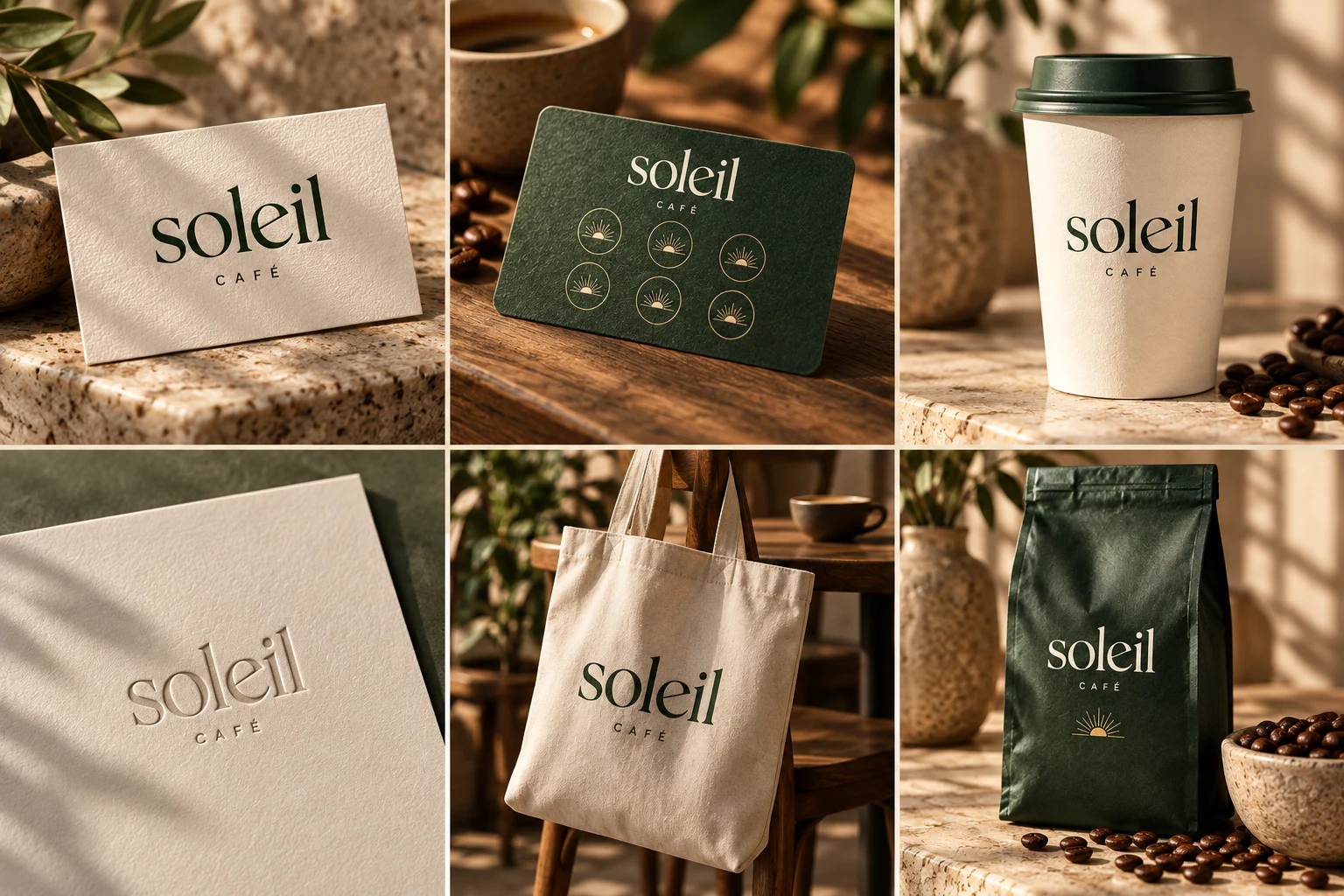
    Soleil Café logo on textured cream stationery
    Soleil Café forest green coffee bag with gold lettering

    Brand voice

    Warm. Welcoming. Thoughtfully brewed.

  3. 03 Create your campaign

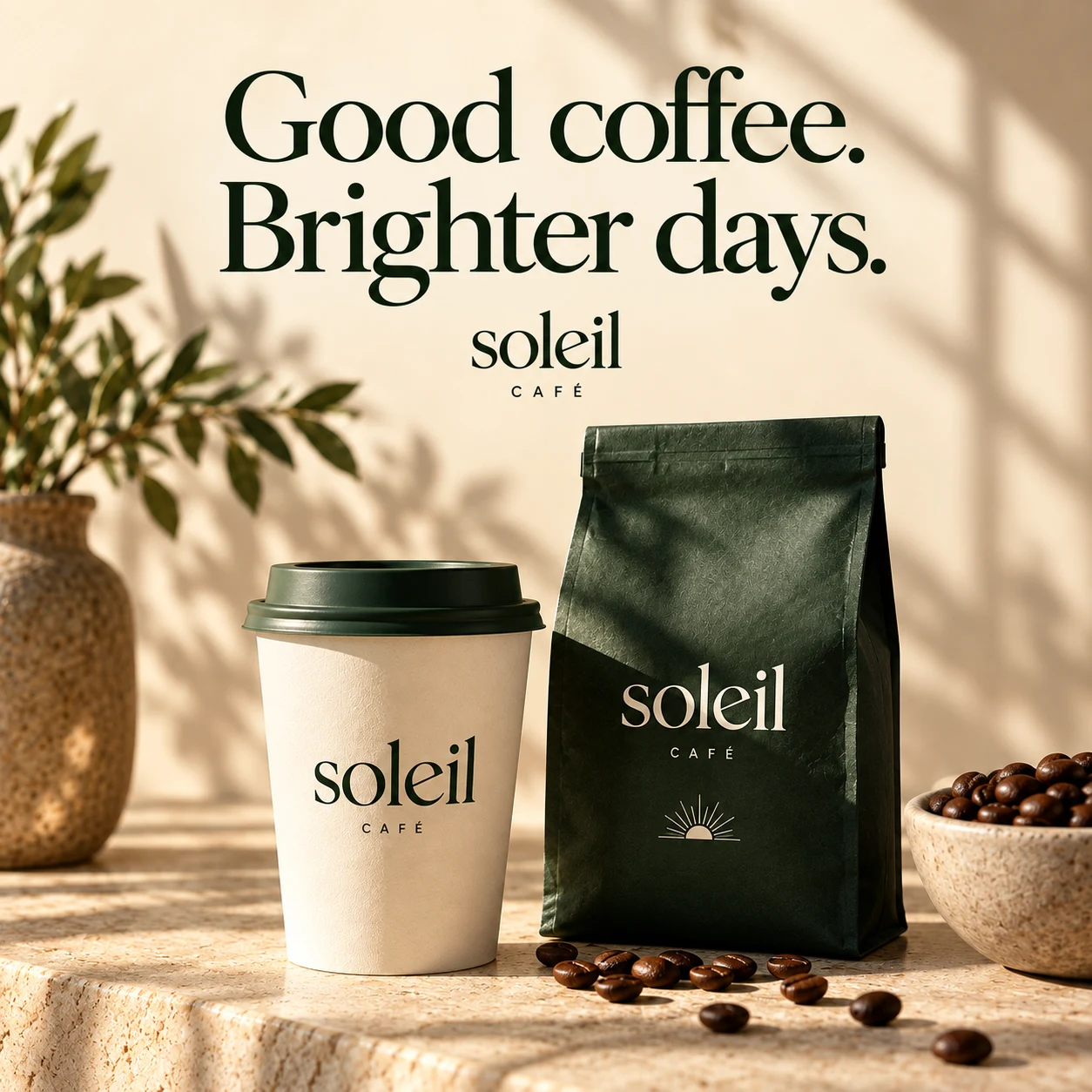
    Soleil Café branded coffee social ad
    Branded images
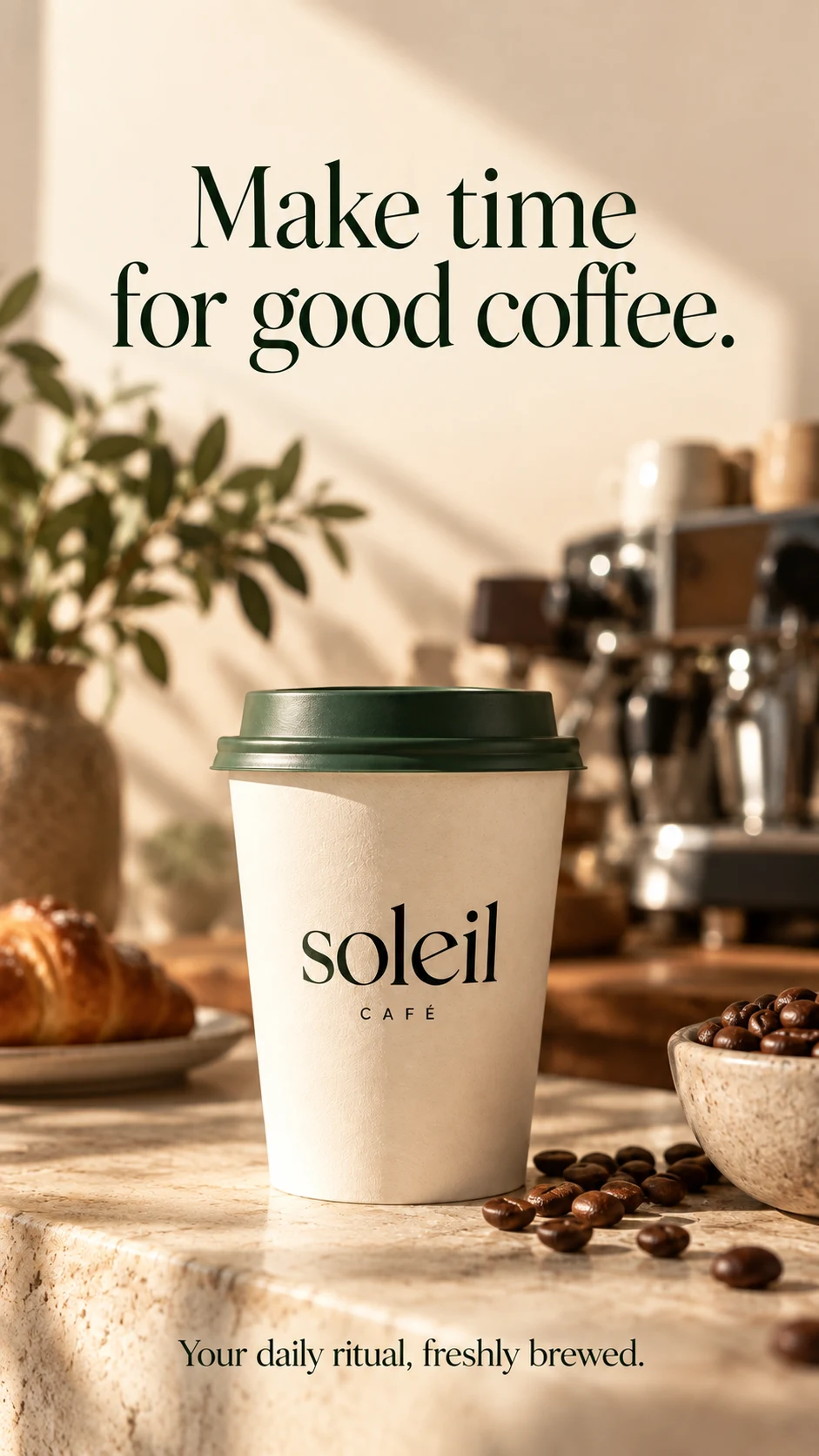
    Soleil Café coffee campaign story
    Story ads
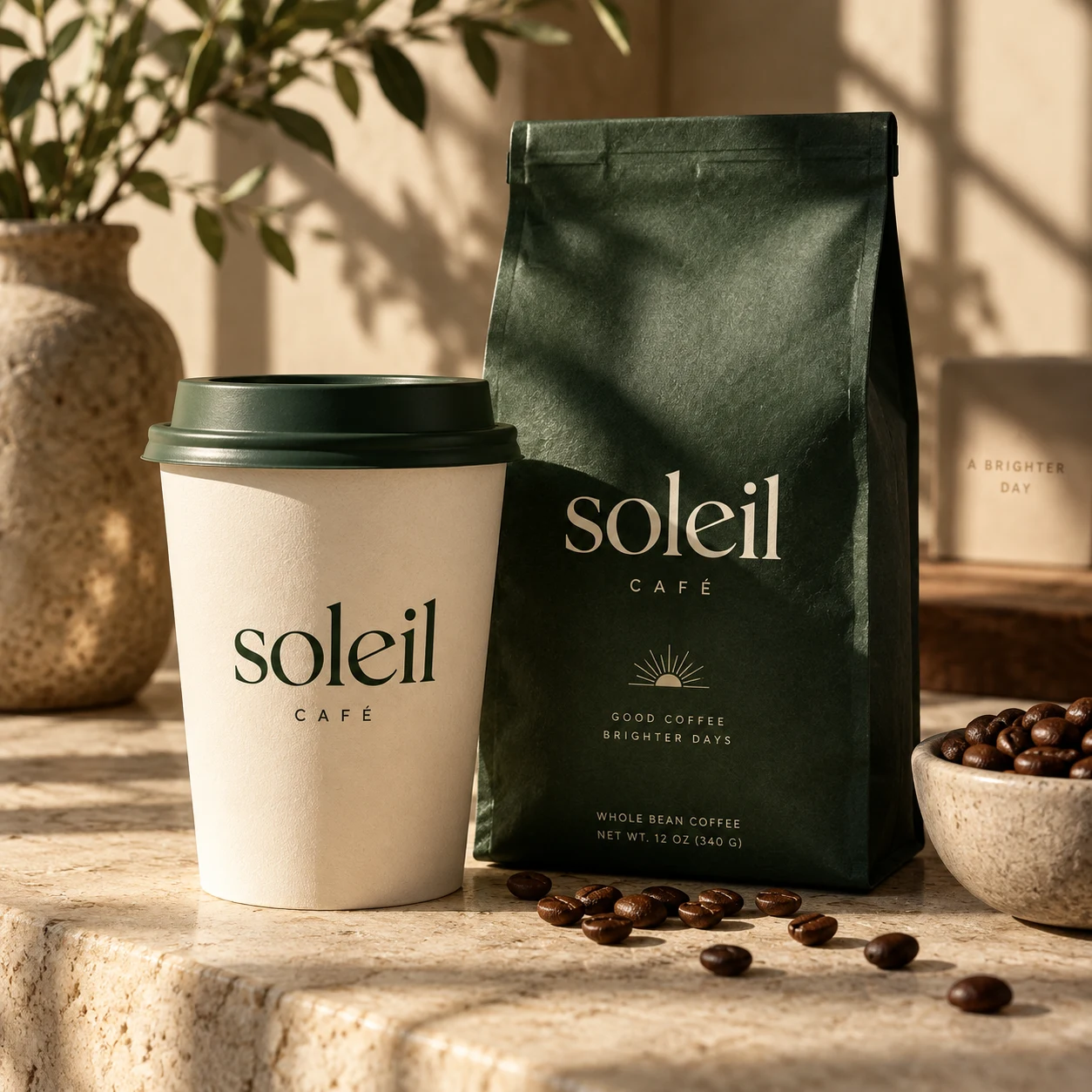
    Soleil Café takeaway cup and coffee bean packaging
    Product photos
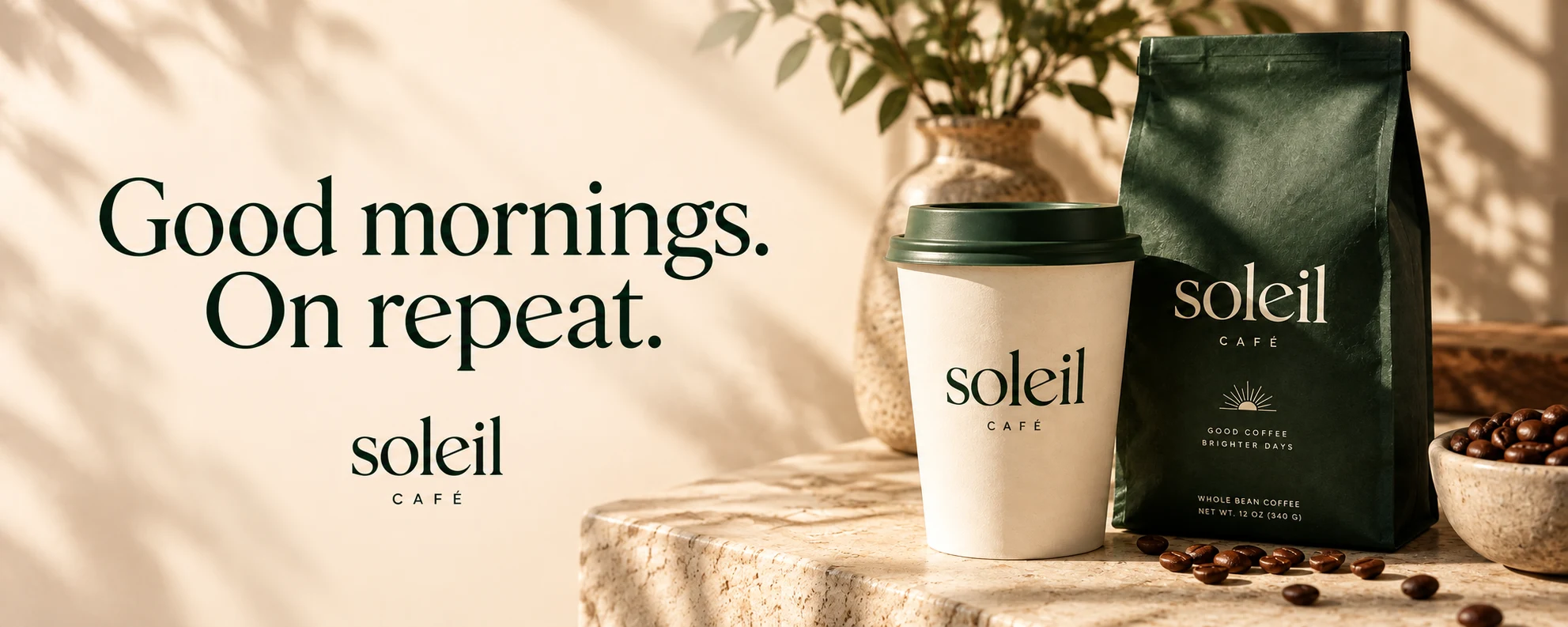
    Soleil Café coffee campaign banner: Good mornings. On repeat.
    Campaign banners

An example with Soleil Café. Start with your website and make it your own.

Less setup. More room to create.

Stop hunting for brand assets

Bring the right logos, colors, and fonts into one kit you can return to for the next project.

Give each idea a head start

Choose your saved brand context when prompting AI, so you can spend more time developing the creative.

Keep campaigns connected

Use the same brand direction as you work on social posts, stories, banners, and other campaign formats.

Your brand kit questions, answered.

A brand kit brings together the ingredients that make your brand recognizable. In Quickmake, that can include logos, colors, typography, brand voice, art direction, visual references, and brand rules.
Yes. In the app, create a brand kit and enter your website URL. Quickmake can extract logos, colors, fonts, imagery, and text samples as a starting point. What it finds depends on the site, so review and refine the imported details before using them.
No. Create a blank brand kit and add your own assets and direction. You can build it up over time as you settle on your logo, palette, typography, and voice.
Select your kit in the workspace or AI prompt to provide brand context for supported creative tasks. Its colors, voice, and visual references help guide the result. You can then review and edit the output to fit your brief.
Yes. You can create separate kits and select the one you want to work with. Keep different brands or client identities organized without mixing their assets and creative direction.
The website-to-campaign walkthrough uses a sample coffee shop brand, Soleil Café, to show the process. Open the app to import your own website, save a brand kit, and start creating with it.

Make your next idea
feel like your brand.

Start with your website or build a kit from scratch. Keep your identity ready for whatever you create next.

Create your brand kit