Background Remover
Put your product in focus. Remove distracting backgrounds and create clean cutouts for listings and new scenes.

Turn everyday product photos into clean cutouts, lifestyle scenes, and AI photo shoots. Show your products at their best, from your first listing to your next collection.
From the first product photo to the final promotion, create the visuals your shop needs.
Put your product in focus. Remove distracting backgrounds and create clean cutouts for listings and new scenes.
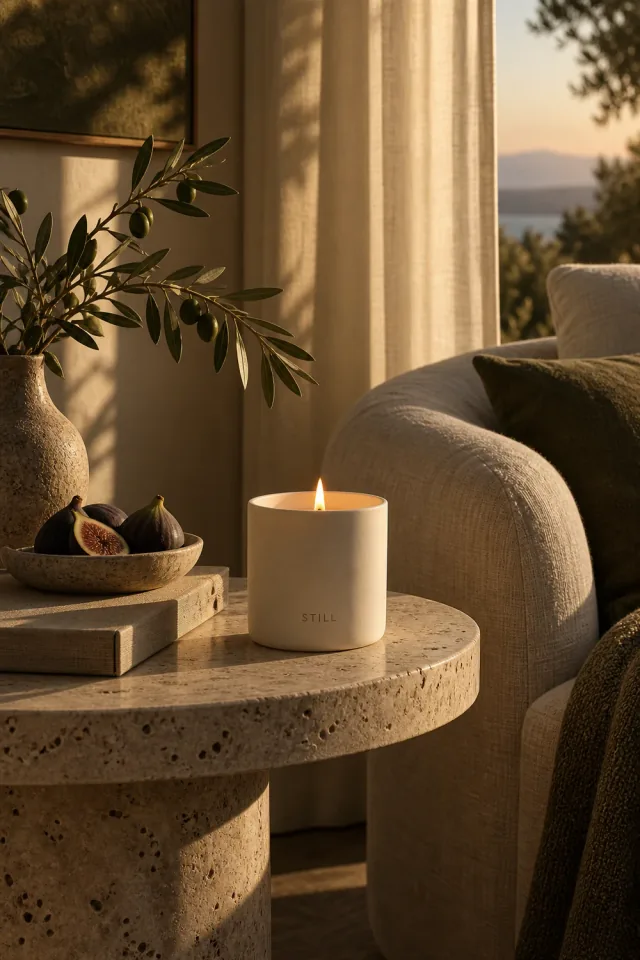
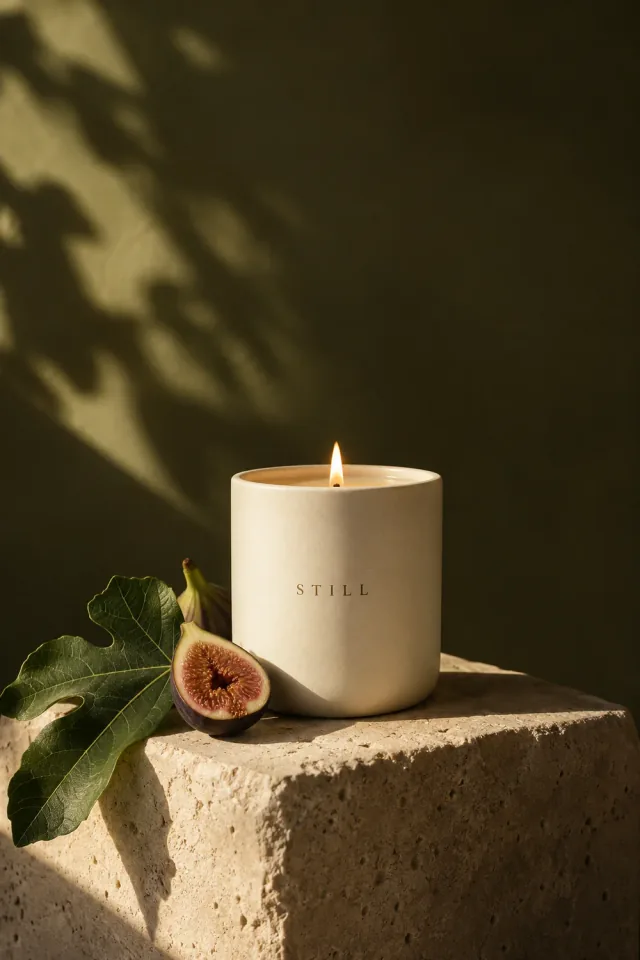
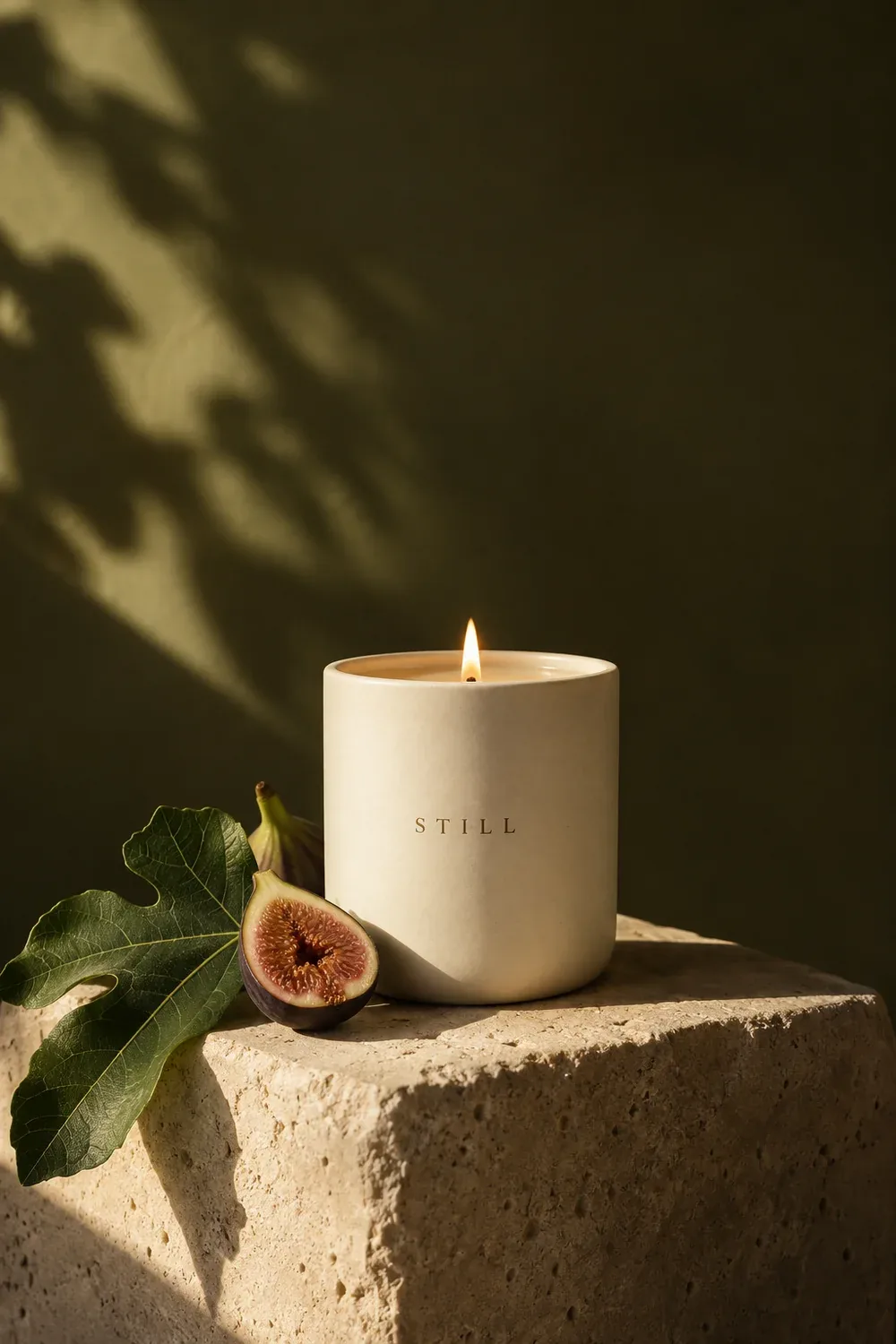
Set the scene for your next sale. Turn your ideas into studio backdrops and lifestyle settings for your products.
Give your catalog a fresh look. Create styled product shots for new arrivals, seasonal campaigns, and collections.
Bring your clothing collection to life. Show your pieces on AI models and create looks for your store and campaigns.
Get the details right. Describe changes to your background, lighting, or styling and refine your product scenes with AI.
Give shoppers a closer look. Increase image resolution for sharper product visuals on your store pages and promotional banners.
Make every listing feel like your shop. Keep your logo, colors, and fonts together for a consistent look across your catalog and campaigns.
Turn a product into an offer. Combine photos, prices, and headlines in store banners, social posts, and sale announcements.
Put your products in motion. Turn product images into short AI videos for social content, new arrivals, and launch campaigns.
Create a clean cutout for your listing, a lifestyle scene for your store, or an AI photo shoot for your next launch. Selling clothing? Show your pieces on AI fashion models, too.
 Nano Banana ProNano Banana 2
 Seedream 5
 GPT Image 1.5
 Recraft V4
 Flux 2.0 Max
Start with an idea. Shape the brief. Create images, video, and copy.
All through a conversation.
I’m launching a botanical candle collection. Create product images, a short social video, and launch copy. Warm, natural, and a little editorial.
Listing images · Lifestyle scenes · Fashion photos · Store banners. Start with the format your next idea needs.
Quickmake for sellers.
Bring a product photo. Turn it into your next listing image, campaign scene, or collection shoot.
Create your product visuals