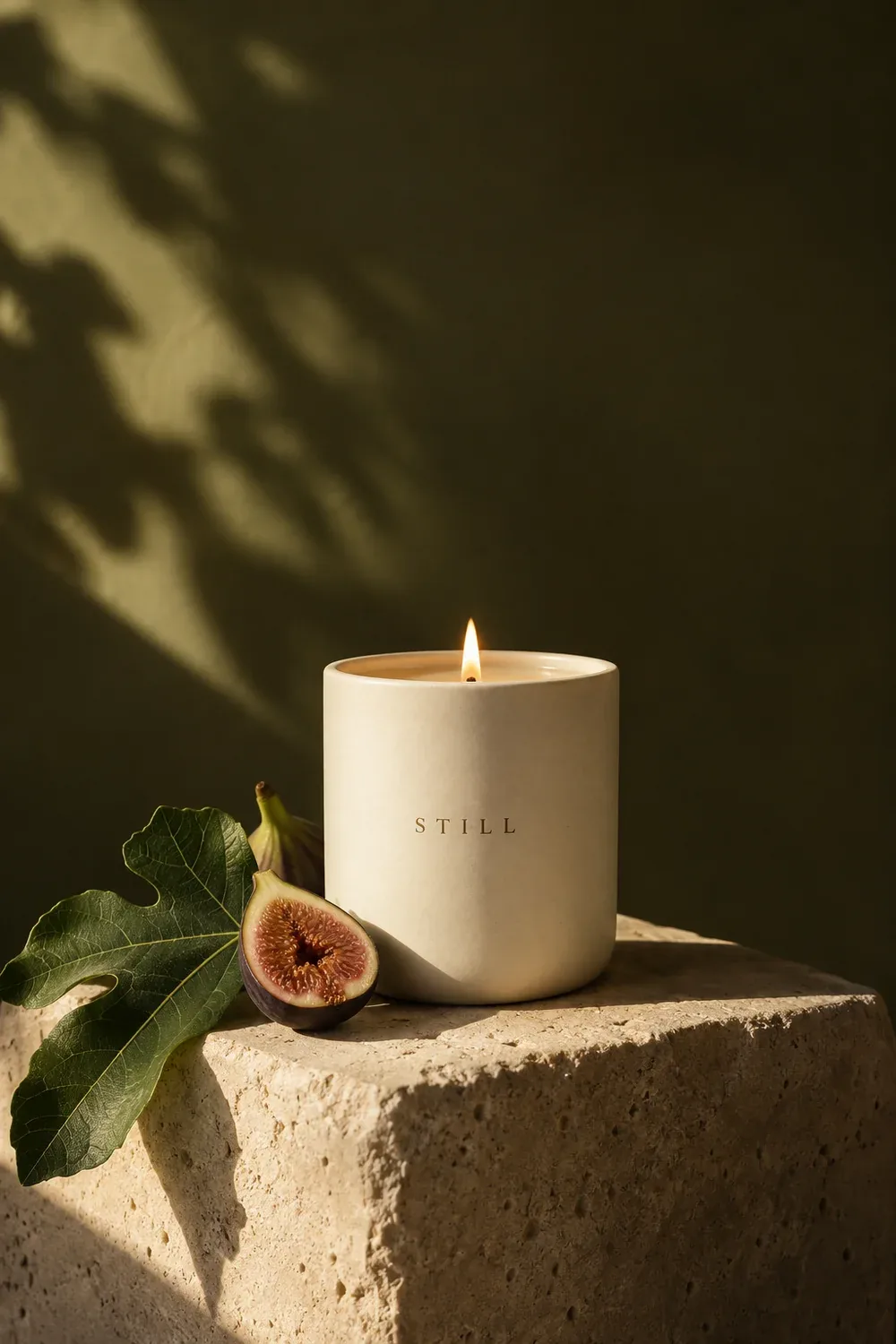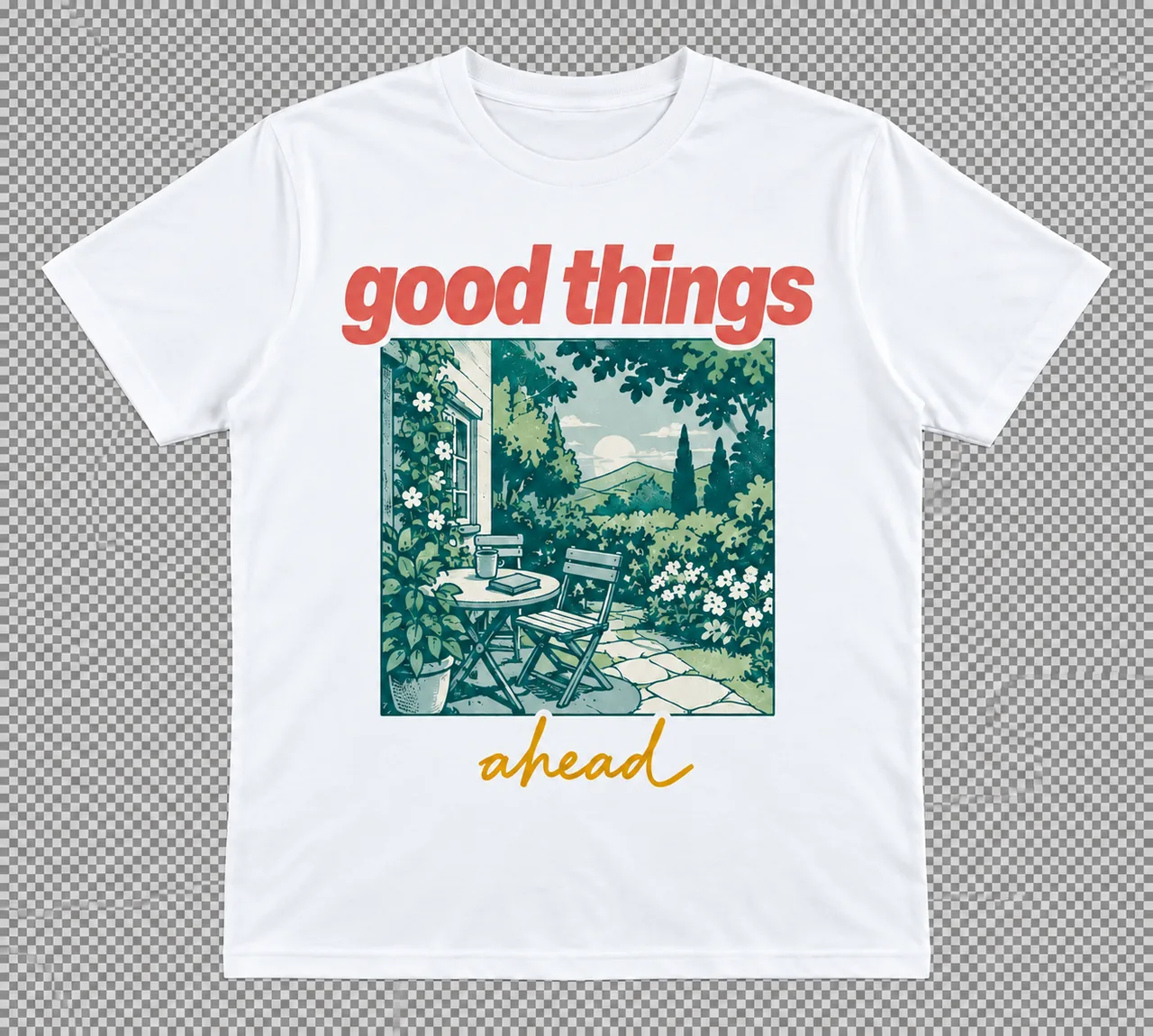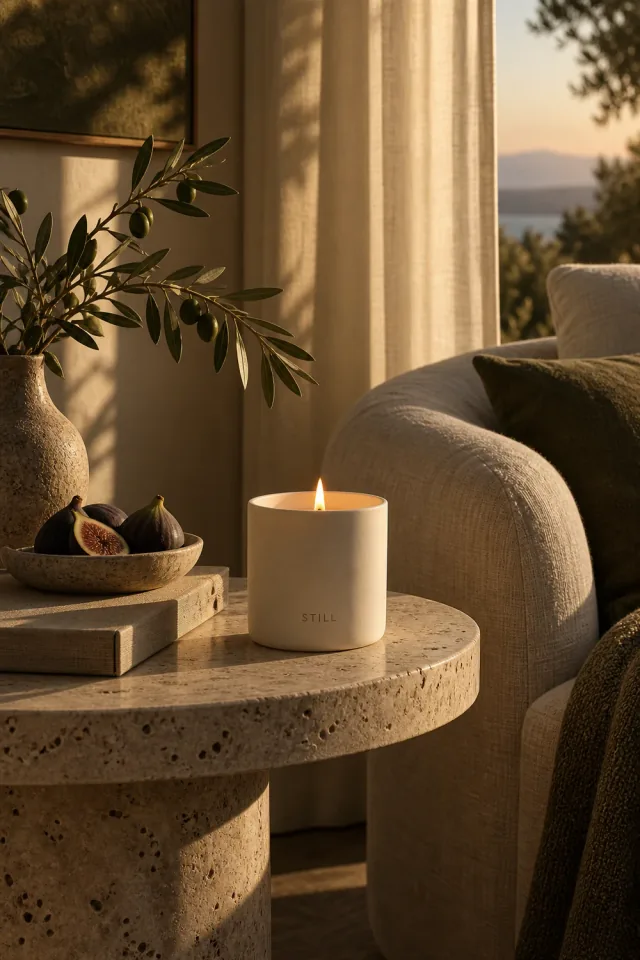
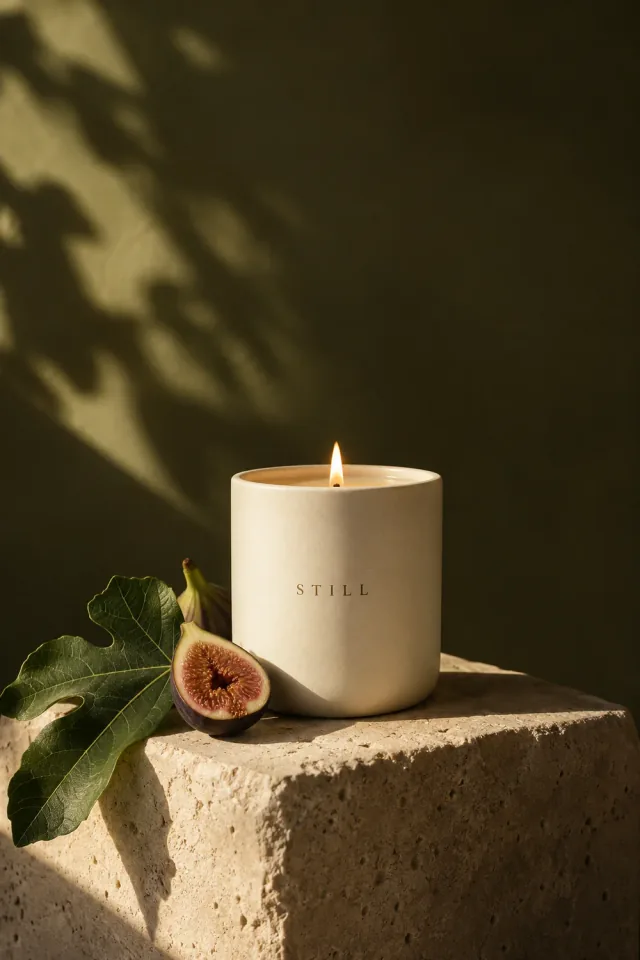
What we love
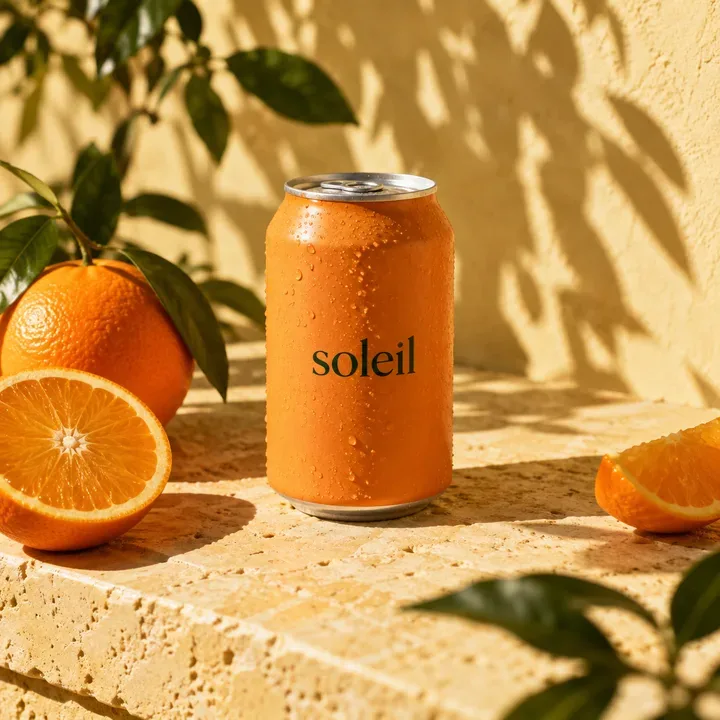
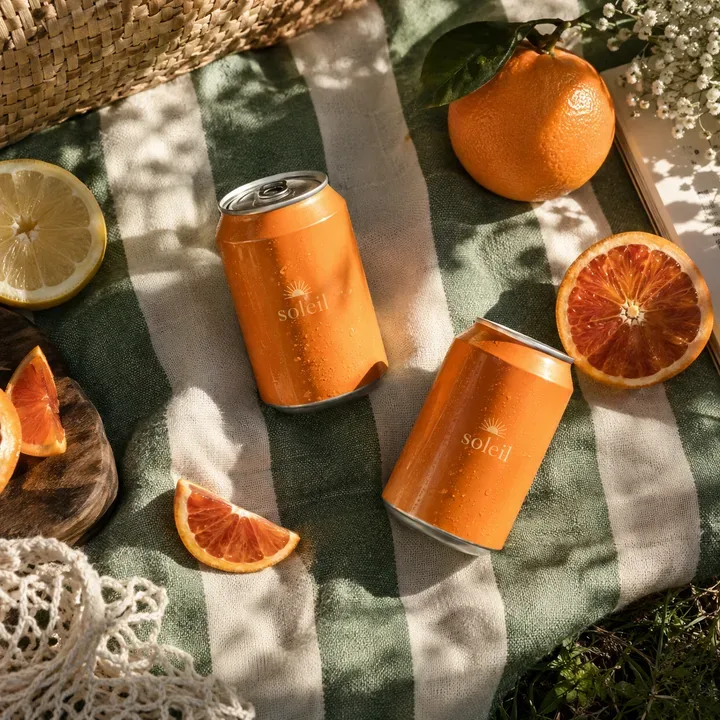
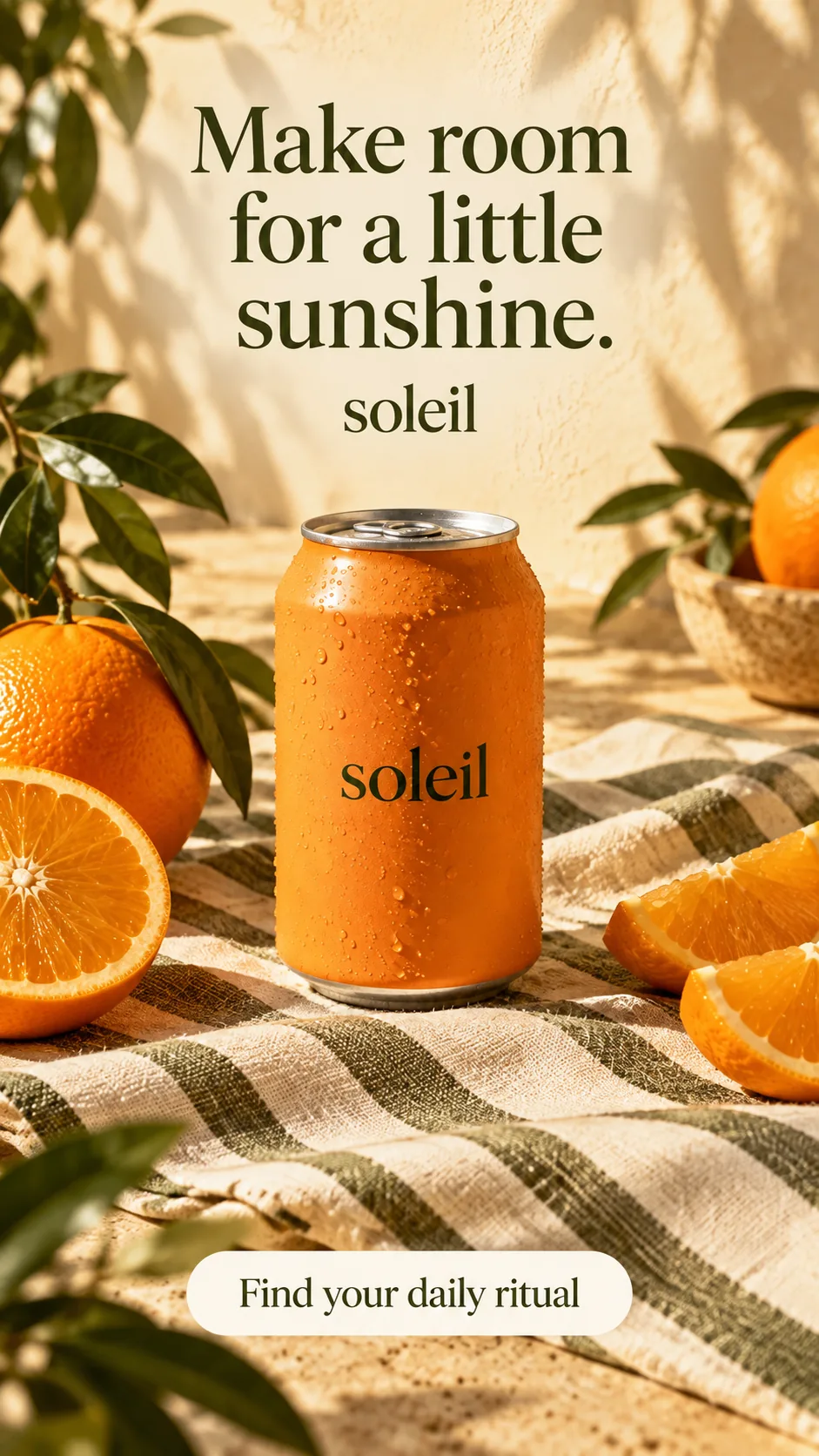
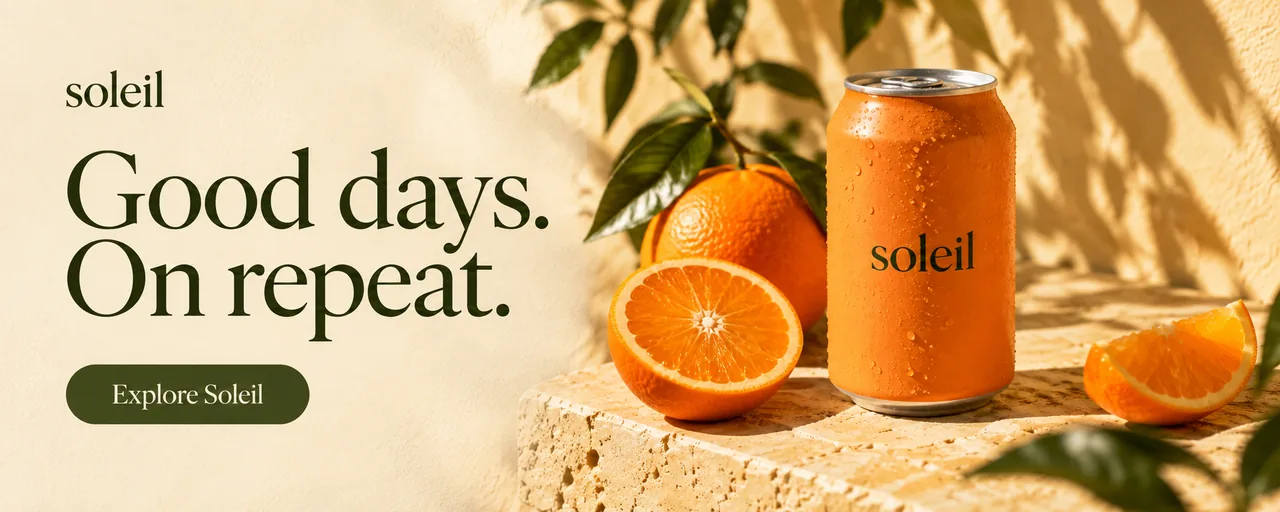
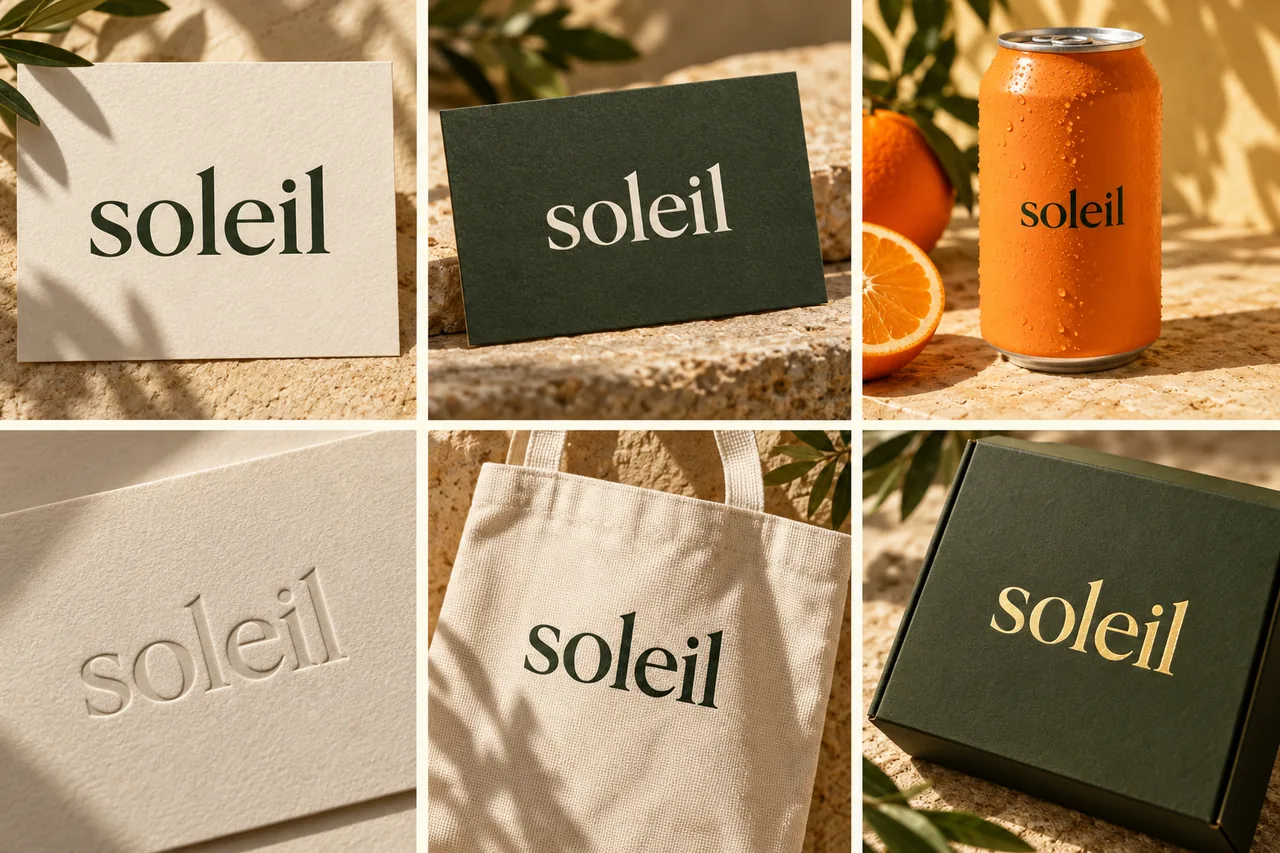
Warm light, tactile ceramics, and soft olive tones.

Design, generate, and collaborate on infinite canvases. From images to logos, ads to icons - bring any idea to life in seconds.

Start with an idea. Shape the brief. Create images, video, and copy.
All through a conversation.
I’m launching a botanical candle collection. Create product images, a short social video, and launch copy. Warm, natural, and a little editorial.
Flexible layouts, editable layers, and the controls to get every detail right.
Give every design its own space. Set custom dimensions and work on multiple formats side by side.
Set padding, spacing, and alignment once. Let your layout adapt as you add, edit, or rearrange content.
Keep complex designs organized. Select individual layers, group related elements, and control what sits in front.
Find the right font, then make it fit. Adjust weight, size, line height, and letter spacing.
Make shapes your own. Edit paths, fills, and strokes to create and refine logos, icons, and illustrations.
Export PNG, JPEG, SVG, or PDF. Prepare files for print with bleed, crop marks, and image resolution controls.
Turn a prompt into a new visual, refine the details, or bring an image to life. Your favorite models, together in one canvas.
 Nano Banana ProNano Banana 2
 Seedream 5
 GPT Image 1.5
 Recraft V4
 Flux 2.0 Max
From your first spark to the final cut. Make it yours with Quickmake.
Start for free, upgrade when you need more. No hidden fees, cancel anytime.
Perfect for trying out Quickmake and exploring AI design tools.
The Basic plan at a lower price during beta. For your everyday creative work.
For busy creators and teams who need more credits and priority generation.
Prices in USD. Paid plans billed monthly. Cancel anytime.
Compare all features →Got questions? We have answers. If you need more help, reach out to our support team.