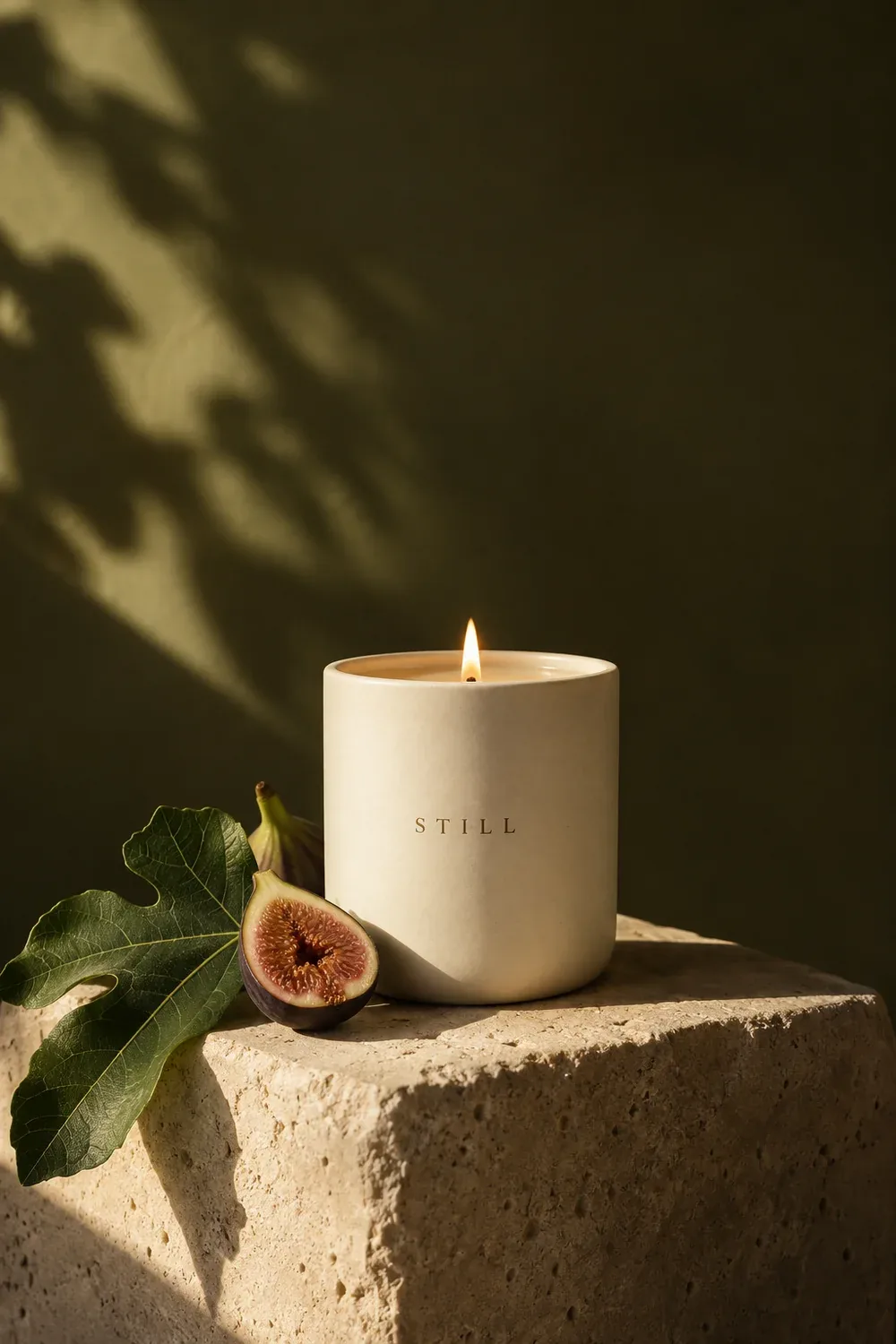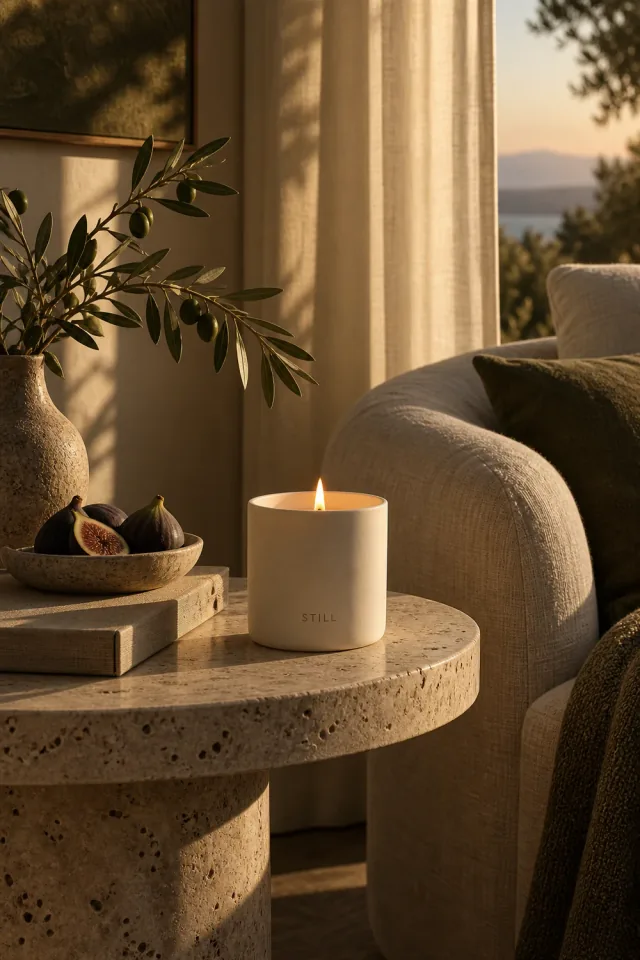
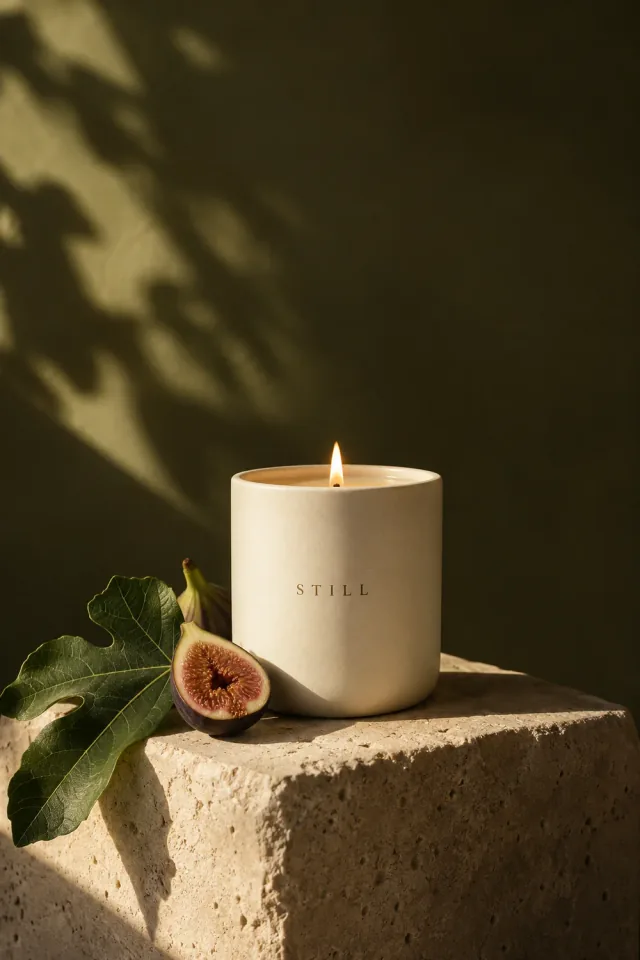
What we love
Warm light, tactile ceramics, and soft olive tones.

Paste your website link and let Quickmake build your brand kit. Then automatically generate branded images, videos, and content for your next product launch, promotion, or everyday post.
Paste your website link. Quickmake brings your logo, colors, fonts, and voice into a brand kit, then uses it to generate images, videos, and content for your business.
One link. Everything starts here.
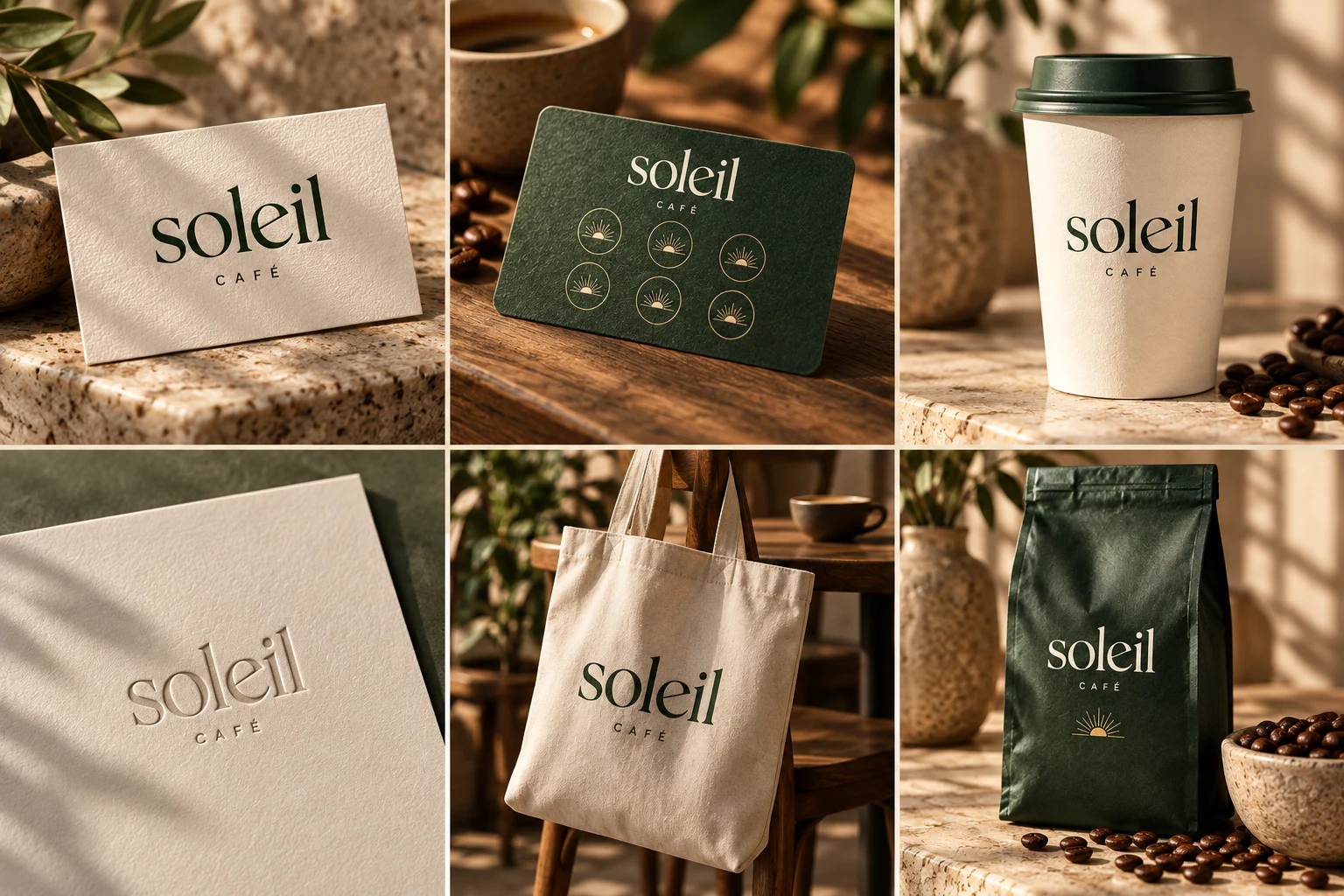
Warm. Welcoming. Thoughtfully brewed.
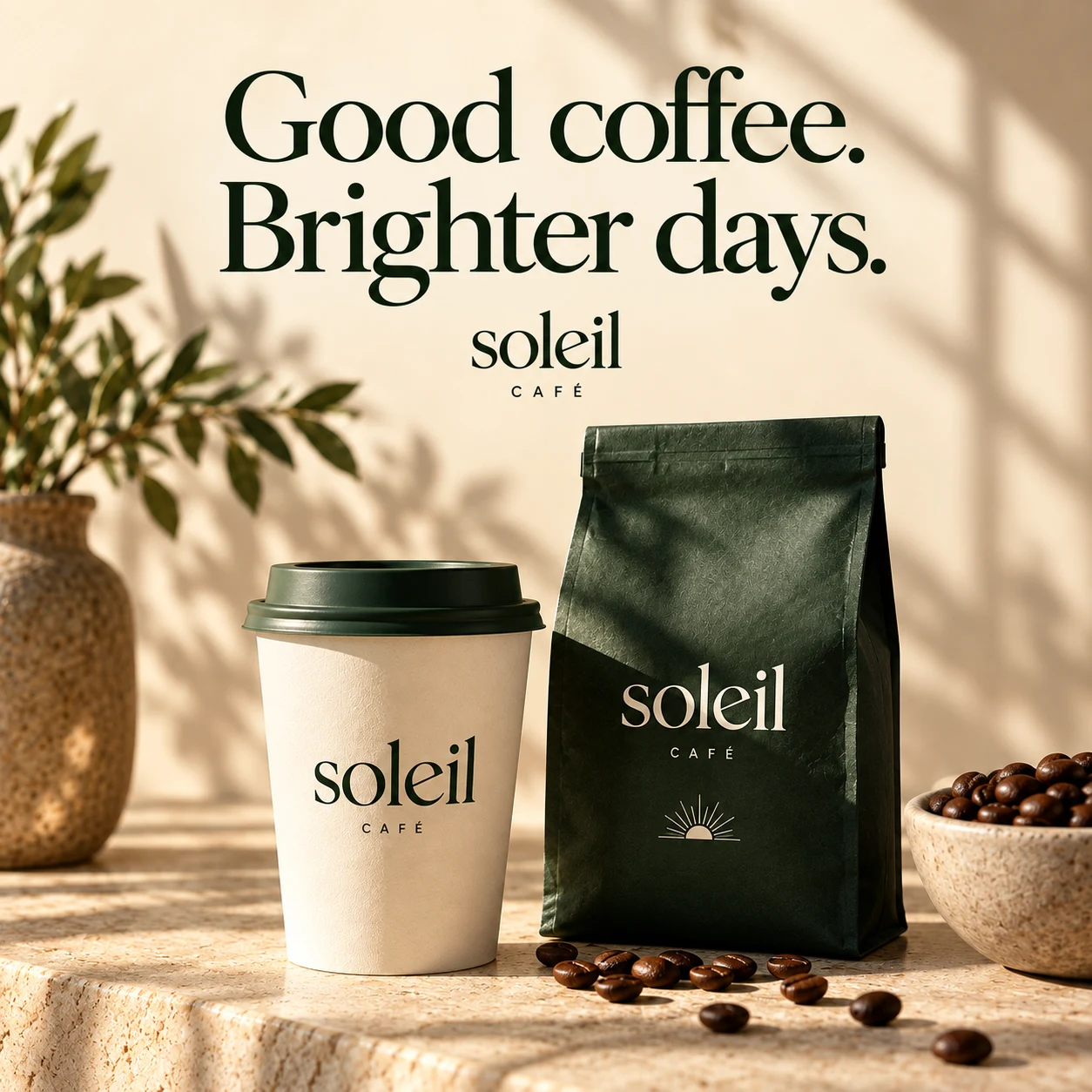
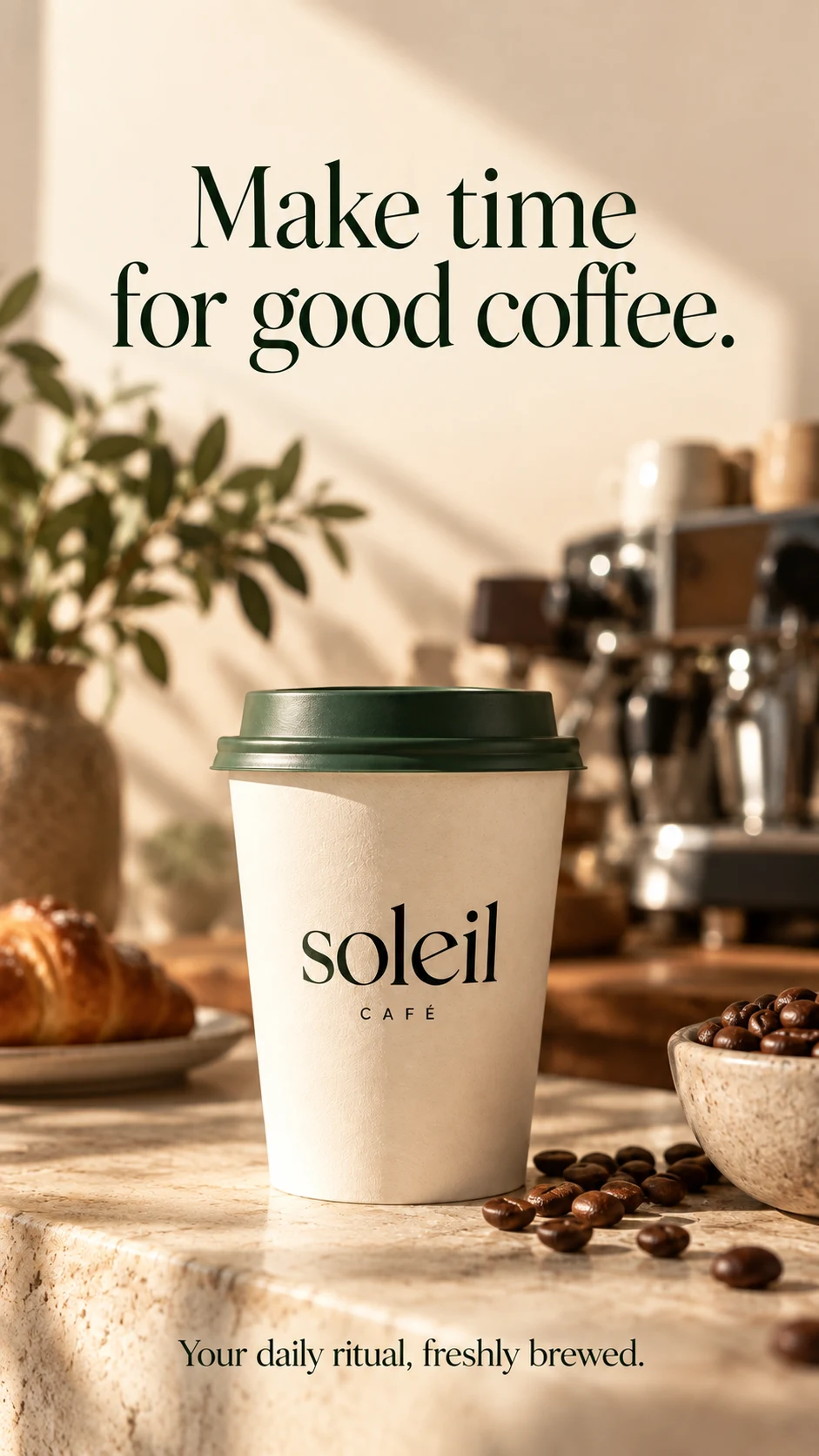
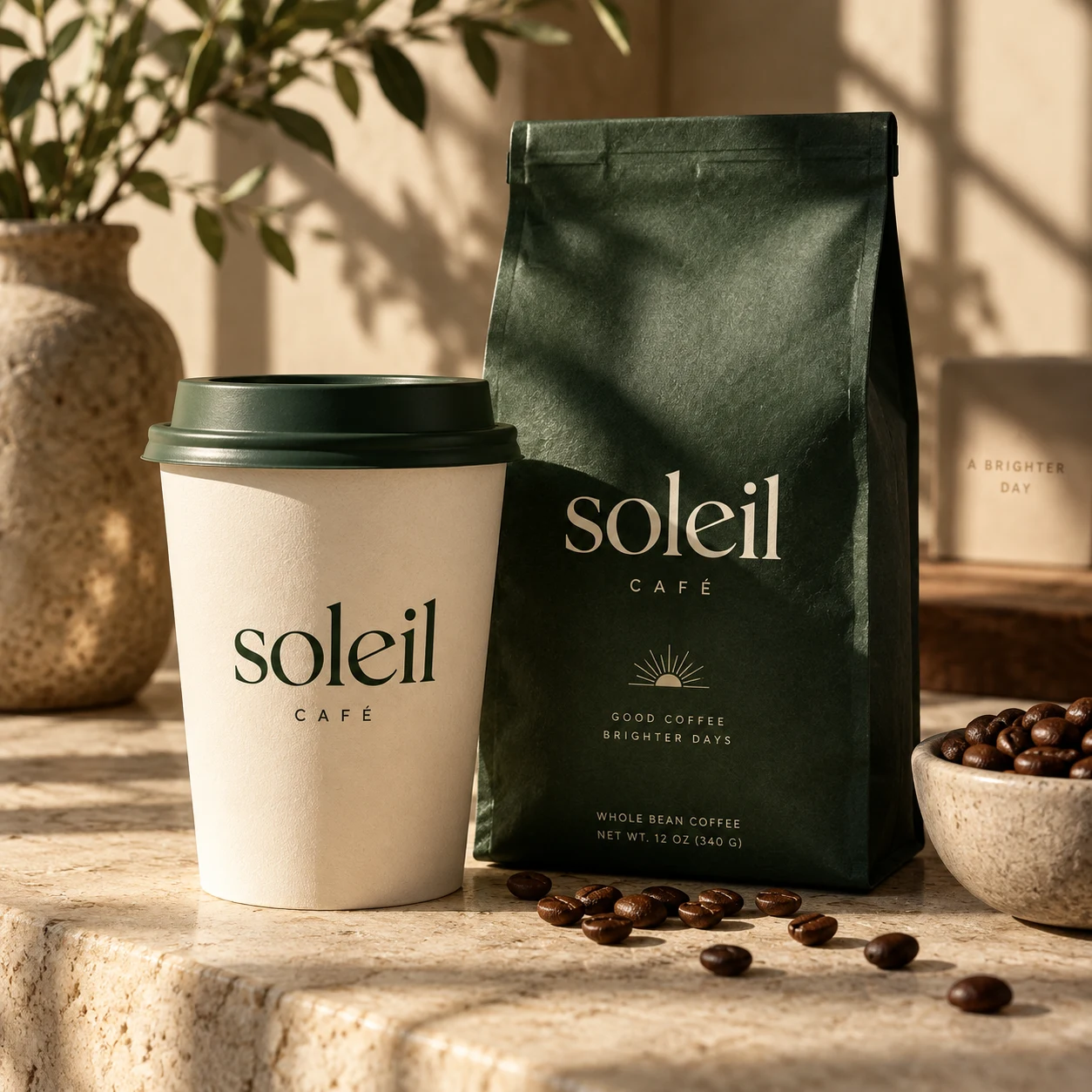
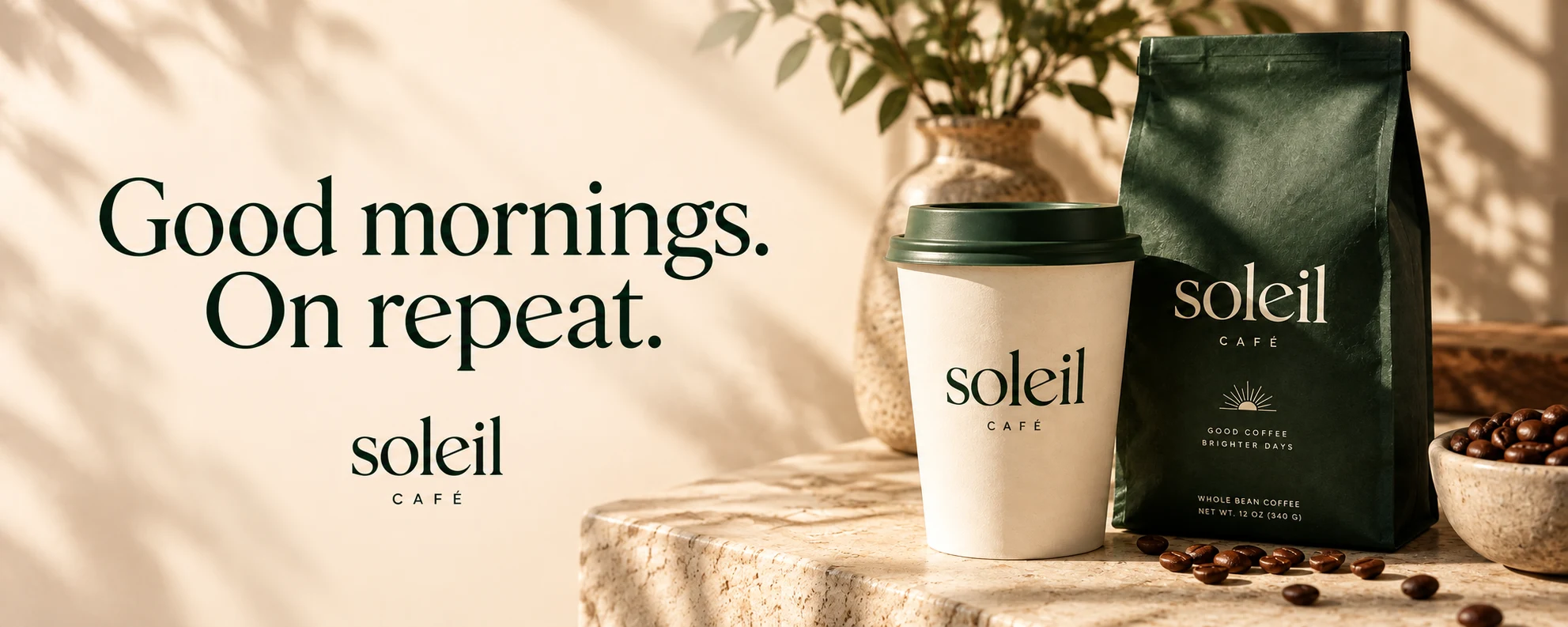
An example with Soleil Café. Start with your website and make it your own.
Describe your idea and let Quickmake generate it, then fine-tune the details.
 Nano Banana ProNano Banana 2
 Seedream 5
 GPT Image 1.5
 Recraft V4
 Flux 2.0 Max
Start with an idea. Shape the brief. Create images, video, and copy.
All through a conversation.
I’m launching a botanical candle collection. Create product images, a short social video, and launch copy. Warm, natural, and a little editorial.
Keep logos, brand colors, and fonts together as a reference for new designs.
Combine a product image, a headline, and a background for a promotion.
Describe a subject, setting, and style to explore new visual directions.
Isolate a subject and arrange it against a new background or in a design.
Build posts, stories, banners, and presentations alongside one another.
Download your finished work to use in a presentation, campaign, or handoff.
Product images · Promo videos · Ads · Social content. Start with the format your next idea needs.
Quickmake for business owners.
Turn your website into a brand kit, then put it to work creating content for your business.
Start creating for your business