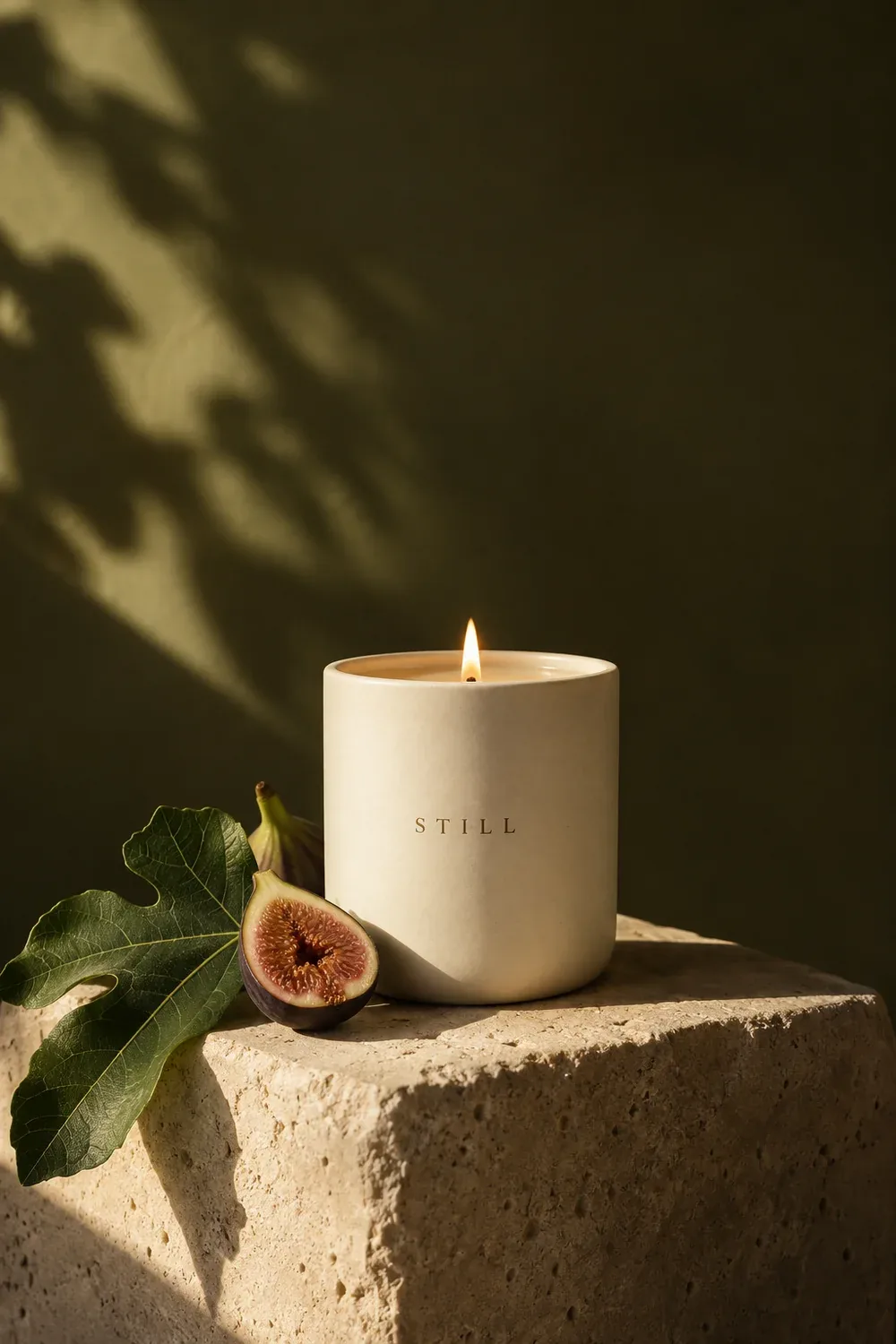
Images for the look
Add reference images or generate a visual direction for a setting, subject, or mood.

Turn your video idea into a plan you can shoot. Arrange images in scene frames, collect references in grids, sketch compositions with shapes, and keep scripts and checklists on one canvas.
Build a storyboard with more than pictures. Keep the visual direction and the practical details together.
Add reference images or generate a visual direction for a setting, subject, or mood.
Give each shot its own frame. Keep its image and camera notes together as you rearrange scenes.
Collect lighting, location, and styling references in a grid you can scan at a glance.
Block out a title card, mark a focal point, or explore a layout with simple shapes.
Keep dialogue, voiceover, timing, and camera direction next to the shot they belong to.
Track props, locations, equipment, and pickups so the plan is ready for production.
Start with an idea. Shape the brief. Create images, video, and copy.
All through a conversation.
I’m launching a botanical candle collection. Create product images, a short social video, and launch copy. Warm, natural, and a little editorial.
Give your next video a clear direction. Bring the shots, script, references, and shoot checklist together.
Plan your storyboard