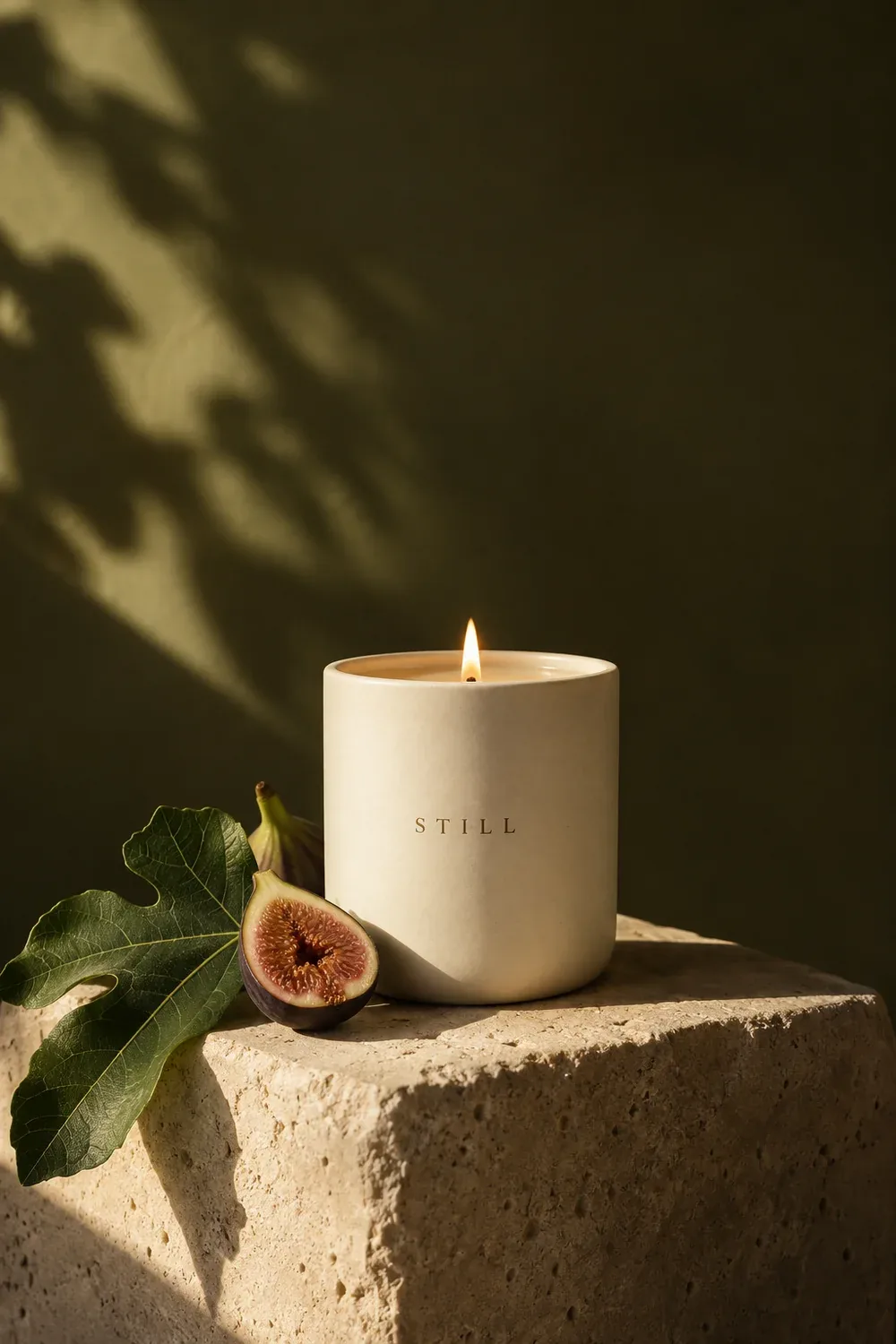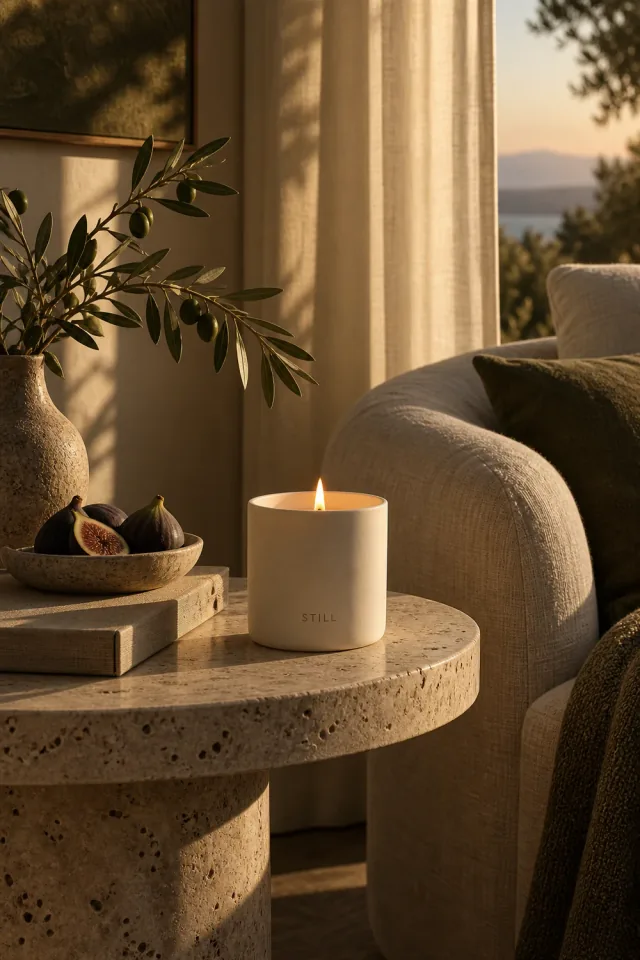
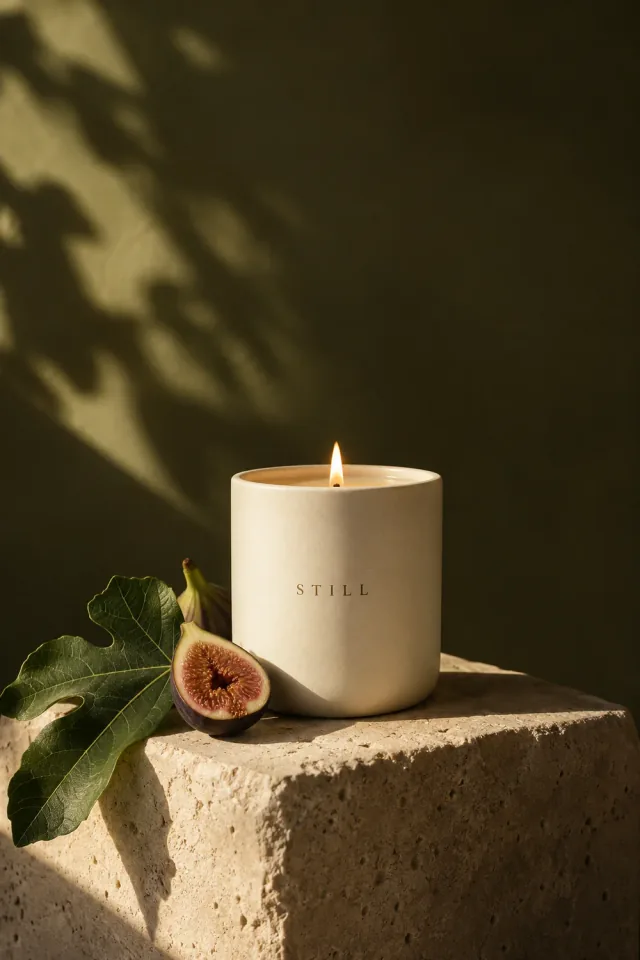
What we love
Warm light, tactile ceramics, and soft olive tones.

Collect inspiration, explore visual directions, and organize your creative projects on one canvas. Bring references, ideas, and experiments together so you can see how each direction takes shape.
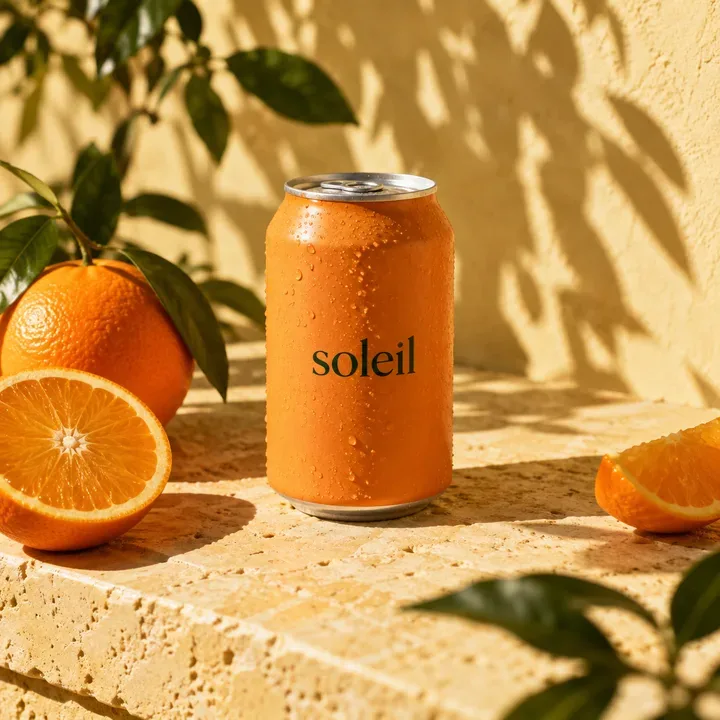
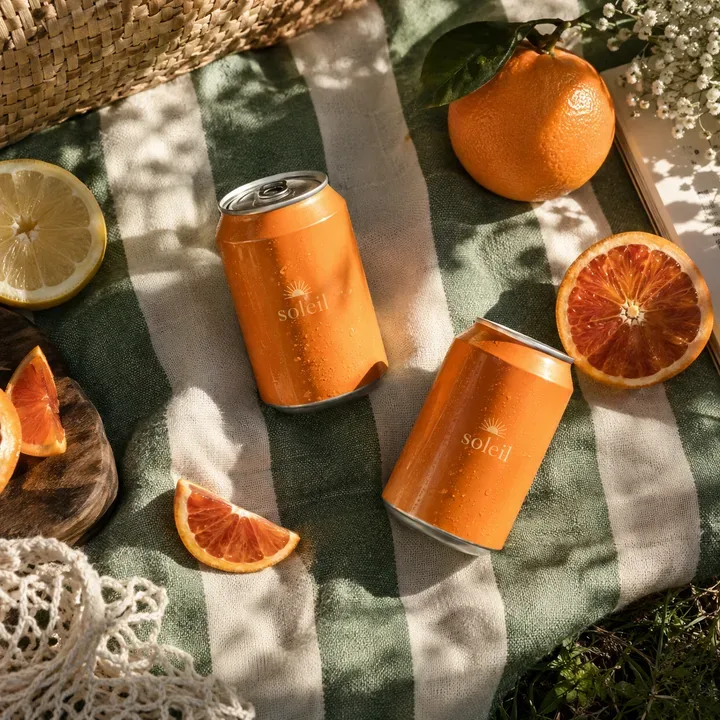

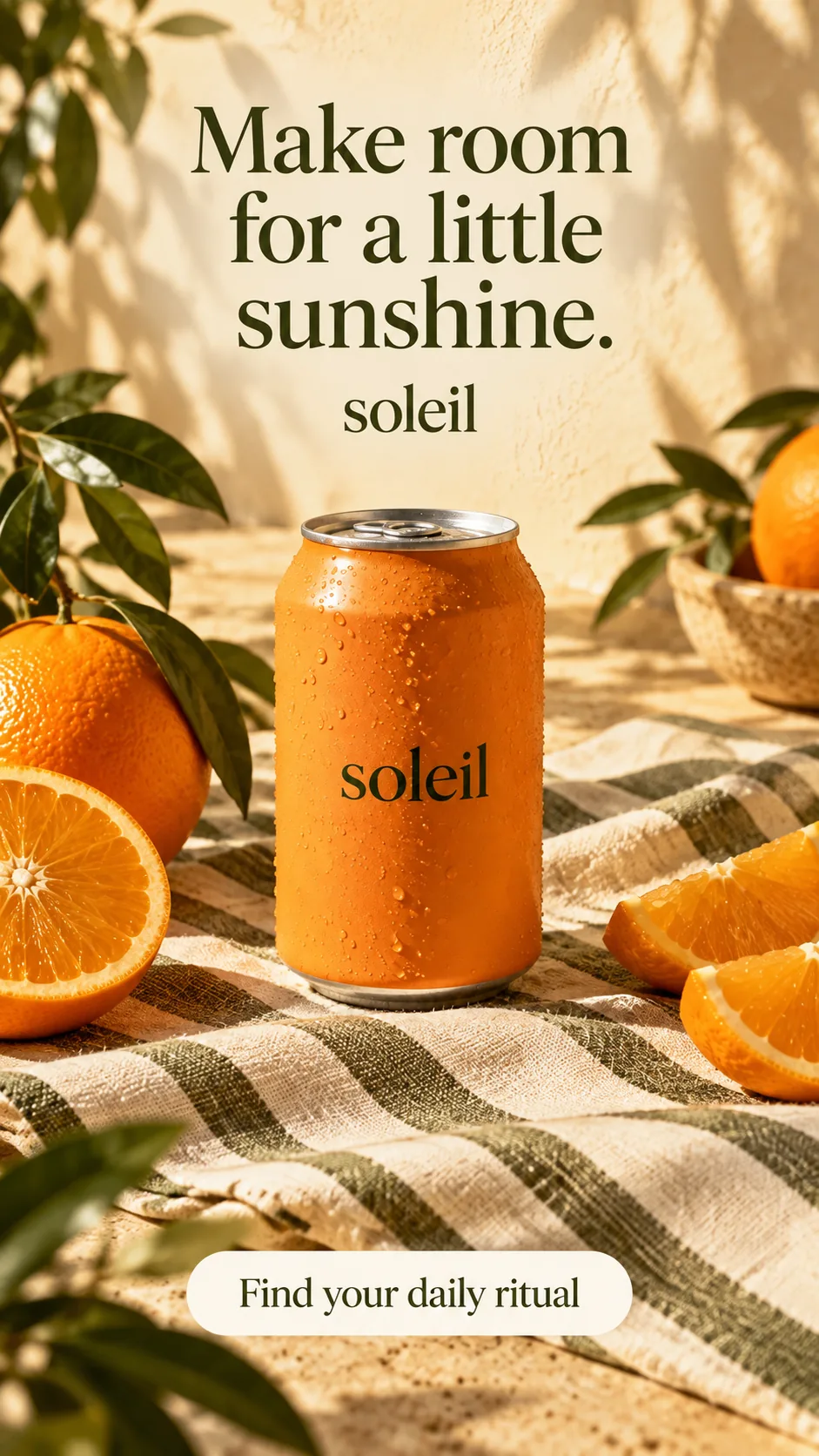
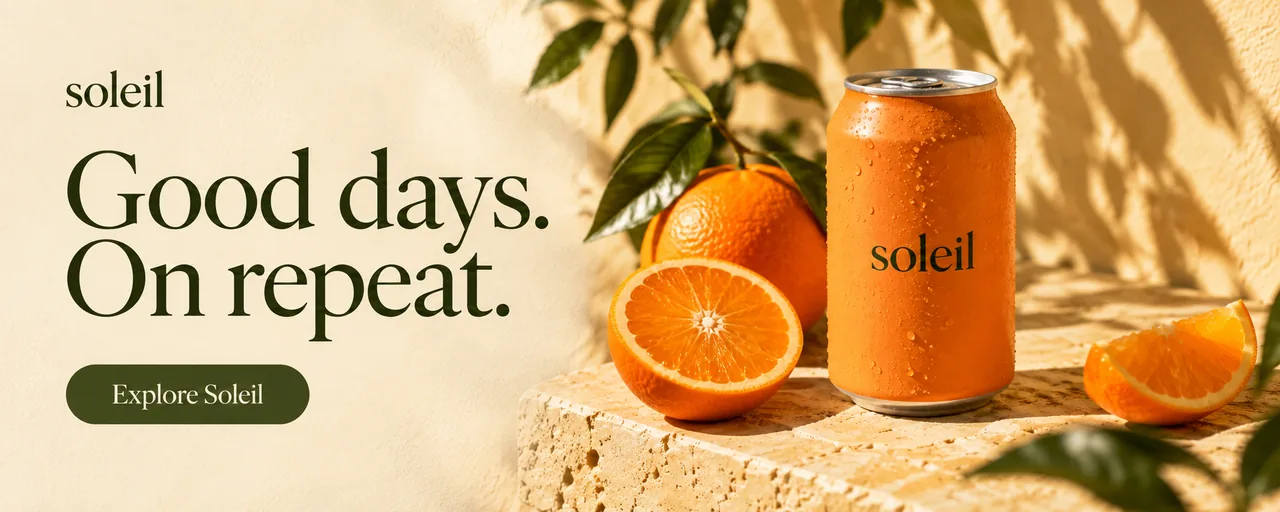
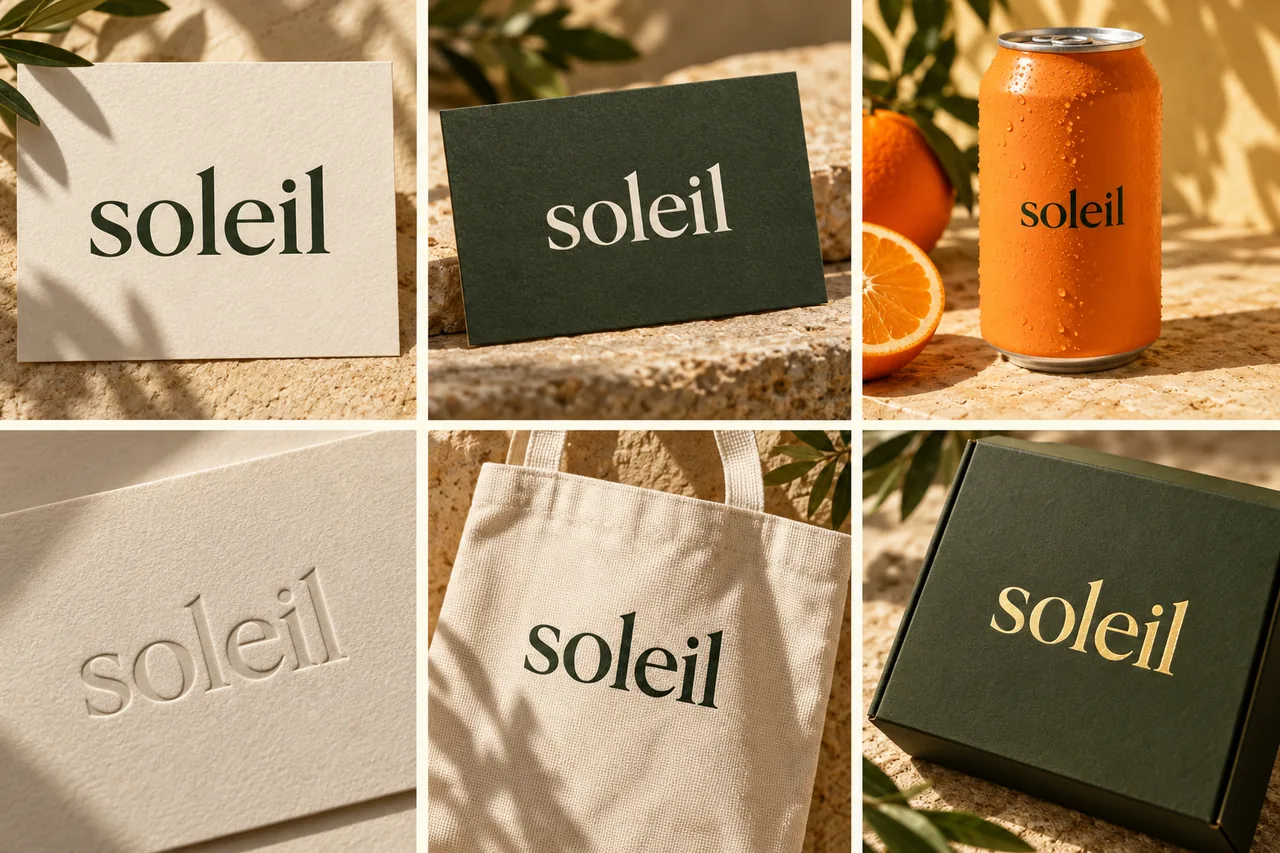
Use AI to explore a mood, try a visual style, or rework an image. Compare possibilities alongside your references and build on the directions that interest you.
 Nano Banana ProNano Banana 2
 Seedream 5
 GPT Image 1.5
 Recraft V4
 Flux 2.0 Max
Start with an idea. Shape the brief. Create images, video, and copy.
All through a conversation.
I’m launching a botanical candle collection. Create product images, a short social video, and launch copy. Warm, natural, and a little editorial.
Arrange images into a board so you can compare styles, subjects, and compositions.
Describe a subject, setting, and style to explore new visual directions.
Describe a change to a scene or detail and refine the image on your canvas.
Keep logos, brand colors, and fonts together as a reference for new designs.
Adjust fonts, sizes, and spacing to shape the hierarchy of your design.
Download your finished work to use in a presentation, campaign, or handoff.
Moodboards · Brand concepts · Illustrations. Start with the format your next idea needs.
Quickmake for creative professionals.
Start with a reference or a rough idea. Build a space to explore where it could go.
Start exploring